

Quick answer: RDP is how you access a remote Windows desktop; a VPS is the actual virtual computer you are accessing. When you buy a shared “RDP plan,” you rent one user account on a machine shared with others. When you buy a private Windows VPS, you get your own isolated machine with full admin control. Shared plans start at $1.99/month; a private Windows VPS starts at $6.99/month.
Walk through any forum where people buy remote desktops and the same confusion shows up within the first page: someone asks whether they should buy an RDP or a VPS, and half the replies treat them as competing products. They are not competing. They are two different things that overlap. Once you see how the pieces fit, the buying decision is usually obvious.
What Is RDP, Exactly?
RDP stands for Remote Desktop Protocol, the technology that lets you open a Windows desktop running on another computer and control it from your own device. Your screen shows the remote machine; your keyboard and mouse drive it. Every shared remote desktop plan on the market uses this protocol for access.
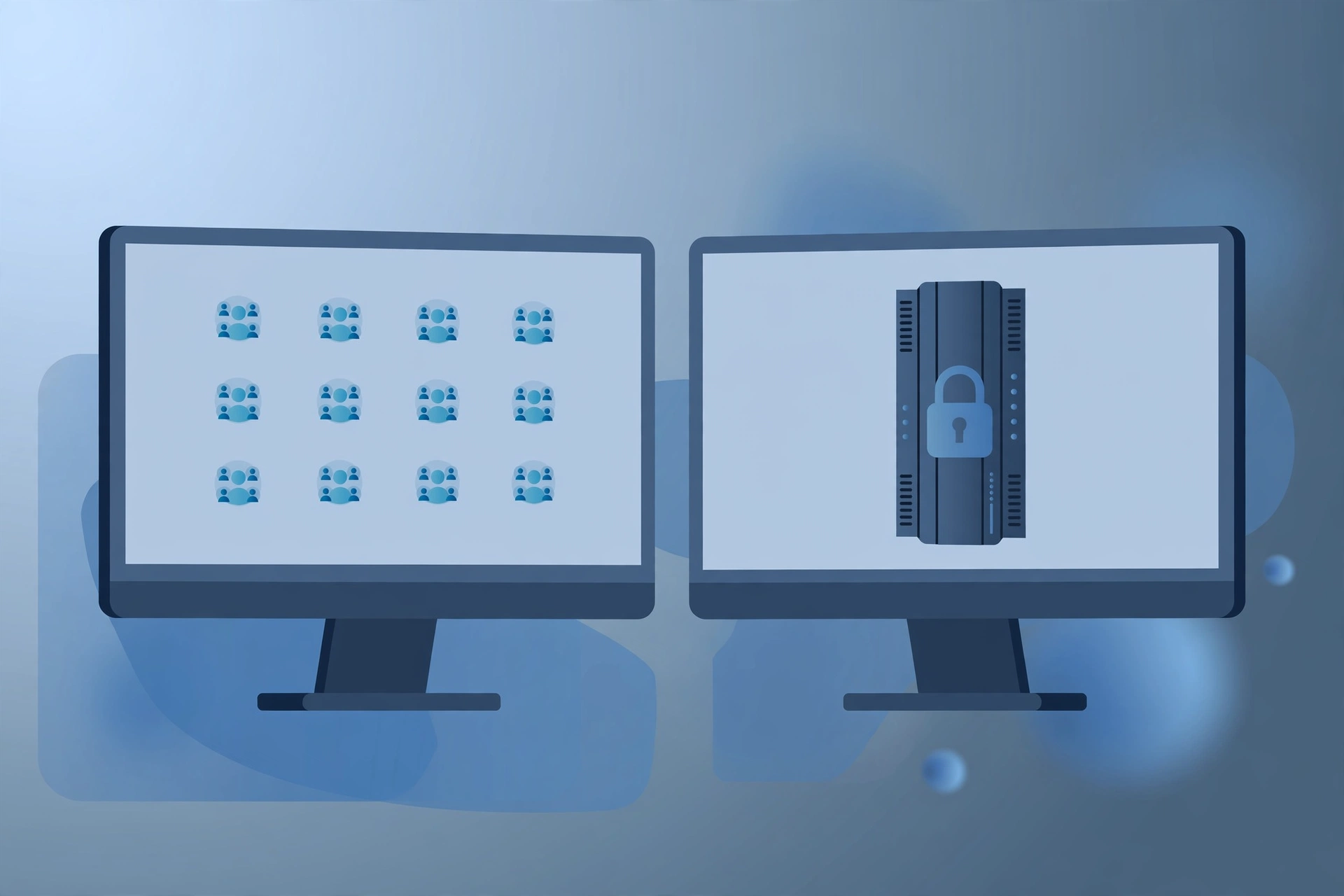
The part that confuses people is the shorthand. Sellers advertise “buy RDP,” and buyers read that as a product. In practice, a shared RDP plan means you are renting one user account on a powerful server that you share with other customers. You log in, you get a desktop, you do your work. You do not see the other users, and they do not see you, but you all draw from the same machine’s CPU, RAM, and disk. That sharing is what keeps the price low: Browser RDP plans start around $1.99/month. The beginner’s guide to what RDP is and how it works covers the connection basics if you want the ground-up version.
What Is a VPS, Then?
A VPS, a Virtual Private Server, is your own slice of a physical server, fully isolated from everyone else. When you buy a private Windows VPS, you get the whole thing: your own Windows installation, your own guaranteed CPU and RAM, your own disk space. You access it using RDP too, the same Remote Desktop app, the same login screen. The protocol is identical; what changed is what sits on the other end.
The word “private” is doing the heavy lifting. On a private VPS nobody else’s workload can slow you down, nobody else can touch your files, and you hold full administrator rights. You can install anything, change system settings, reboot whenever you want, and run software 24/7 without asking anyone. SadeemRDP’s private Windows VPS plans start at $6.99/month with full admin, available in the USA, UK, Netherlands, Germany, Canada, France, Australia, UAE, and Singapore.
RDP vs VPS: The Real Differences
The honest comparison is shared RDP versus private VPS, because that is what sellers actually offer. Here is how they differ in the ways that matter to a buyer:
- Control. Shared RDP gives you a user account with limited rights; you generally cannot install software or change system settings. A private VPS gives you full administrator control, same as a PC you own.
- Isolation. On shared RDP, other customers’ activity can affect your performance. A private VPS is fully isolated, your resources are yours alone.
- Price. Shared RDP starts at $1.99/month; a private Windows VPS starts at $6.99/month. The VPS costs more because you are buying dedicated resources, not a slice of a shared one.
- Simplicity. Shared RDP is ready to use in minutes with no setup. A private VPS arrives as a fresh Windows install that you configure yourself, which takes more effort but gives you exactly what you want.
- Performance consistency. A VPS performs the same at 3 AM and 3 PM. A shared plan can slow down during peak hours when many users are active at once.
There is a middle tier worth knowing about. Admin RDP, from $9.99/month in the USA/UK, is still a shared plan but it grants limited admin rights, so you can install software. It sits between budget shared RDP and a full VPS. The guide on whether you need admin access on RDP maps out exactly which tasks need which tier.
Which One Should You Buy?
Buy the one that matches your task, not the one with the bigger spec sheet. The decision comes down to three questions:
- Do you need to install software? If yes, rule out basic shared RDP. You need Admin RDP or a private VPS. The walkthrough on installing programs on a remote desktop explains the permission levels in detail.
- Does your task run 24/7? Always-on workloads like trading terminals, bots, or servers deserve a private VPS where nothing competes with them and reboots are on your schedule.
- Is your budget under $5? Shared RDP is the honest answer at that price. Browser RDP from $1.99/month handles browsing, office work, and downloads fine; a VPS at $6.99/month is only slightly more if you can stretch.
Need your own private Windows machine?
A private Windows VPS gives you full admin control and dedicated resources in 9 countries.
From $6.99/mo · Full admin · USA, UK, NL, Germany + more · 24/7 support
When a Shared RDP Is the Smarter Pick
Shared RDP wins whenever the task is simple and the budget is tight. Remote office work, browsing, streaming, fast bulk downloads, running pre-installed software, all of these work fine on a shared plan. If everything you do happens inside a browser or software that is already installed, paying extra for a VPS buys you control you will never use.
It is also the better first step. If you have never used a remote desktop before, starting with a $1.99 or $3.99 plan teaches you the workflow with almost no risk. You can upgrade to a private VPS later when you outgrow it, and most providers, SadeemRDP included, activate upgrades quickly after payment.
When a Private VPS Is Worth the Extra Money
A private VPS earns its price the moment other users’ activity can cost you something. Trading setups where a lag spike means real money, game servers, client work you are being paid for, anything that must stay online around the clock: these deserve dedicated resources. The isolation is not a luxury feature; it is the difference between consistent performance and hoping the server is quiet today.
VPS is also the answer for anything that needs real software installed. Development environments, trading platforms like MT4 or MT5 with custom indicators, automation tools, media servers: if the setup guide starts with “download the installer,” you need admin rights, which means Admin RDP at minimum and a VPS for anything serious. Sizing the machine matters too; the guide on how much RAM a VPS really needs walks through matching memory to workload.

Can You Start Small and Upgrade Later?
Yes, and it is the most sensible path for most buyers. Start with the cheapest plan that fits today’s task, learn what you actually use, and move up when you hit a limit. The common upgrade path looks like this: Browser RDP at $1.99/month for light tasks, then Admin RDP at $9.99/month when you need to install something, then a private Windows VPS at $6.99/month when you need your own machine with full control. Note the pricing quirk: a private VPS can actually cost less than Admin RDP, because you are buying raw hardware instead of a managed shared environment.
One more honest note: a VPS is not magic. It will not fix a bad internet connection on your end, and it will not make poorly written software run fast. What it does is remove every variable except your connection: the machine, the resources, and the configuration are all yours. When something is slow on a VPS, you know exactly where to look. Microsoft’s own Remote Desktop Protocol documentation is worth a read if you want to understand the connection layer underneath both products.
Frequently Asked Questions
Is an RDP the same as a VPS?
Not quite. RDP is the protocol used to connect to a remote Windows desktop; a VPS is the virtual computer itself. In everyday selling, a “shared RDP plan” means one user account on a shared machine, while a “private VPS” means your own isolated machine. You connect to both using the same RDP software.
Can I install software on a shared RDP?
Usually not. Basic shared plans do not include administrator rights, so installers will fail. If your task needs installs, choose Admin RDP from $9.99/month or a private Windows VPS from $6.99/month with full admin control. Always confirm the admin level with the provider before paying.
Is a VPS faster than shared RDP?
Not automatically. A VPS gives you dedicated, consistent resources, while a shared RDP plan can slow down when the server is busy. At quiet times a good shared plan can feel just as fast. The VPS advantage is consistency: its performance does not depend on what other customers are doing.
Which is cheaper, RDP or VPS?
Shared RDP is cheaper: Browser RDP starts at $1.99/month versus $6.99/month for a private Windows VPS. Admin RDP at $9.99/month can cost more than a basic VPS, so compare carefully if you need admin rights; the raw VPS is sometimes the better deal.
Can I run a VPS 24/7?
Yes. A private VPS is designed to stay online around the clock, and you control when it reboots. That makes it the right choice for trading terminals, automation, game servers, and anything else that must not stop. Shared plans may restart for maintenance on the provider’s schedule instead of yours.
Comments