
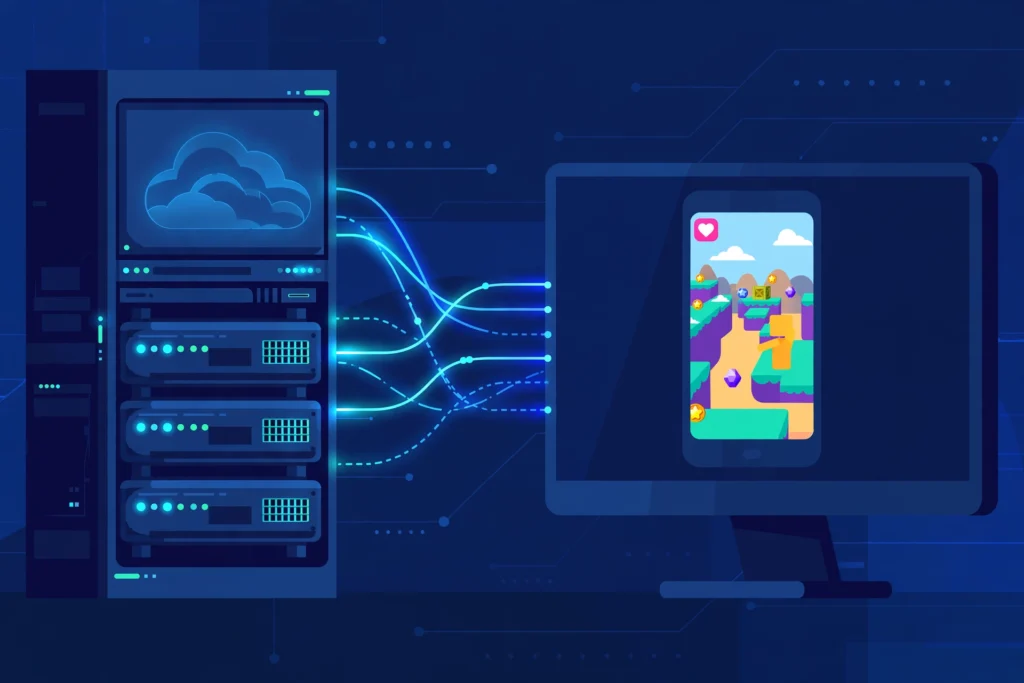
Quick answer: An emulator RDP is a remote Windows desktop with an Android emulator like BlueStacks already installed. You connect from your own device and run Android apps and games on the cloud machine’s hardware instead of yours. It is for people whose phone or PC cannot run Android apps well. Emulator RDP plans start at $16.99/month.
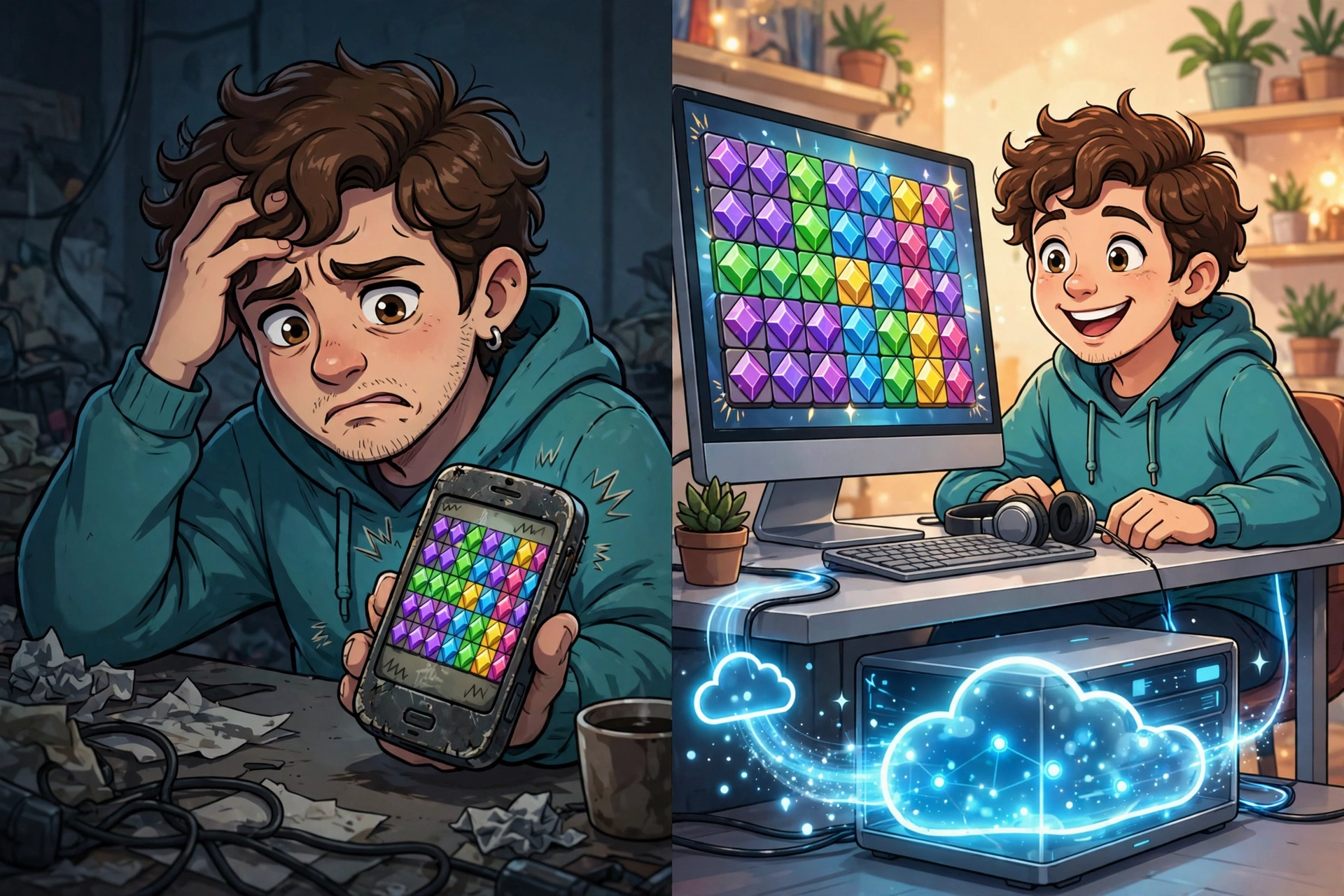
If you have ever tried running BlueStacks on an old laptop, you know the sound. The fan spins up like a jet engine, the game stutters, and eventually something crashes. The problem is not the emulator. It is your hardware. An emulator RDP moves the whole workload to a remote machine that was built for exactly this job, and your own device just displays the picture.
What Is an Emulator RDP, Exactly?
An emulator RDP is a Windows remote desktop that comes with an Android emulator, usually BlueStacks, pre-installed and ready to run. You log in from your phone, laptop, or old PC, open the emulator on the remote machine, and use Android apps and games there. Everything heavy, the CPU work, the graphics rendering, the RAM, happens on the server. Your device only needs to handle the remote desktop connection itself.
Think of it as renting a second computer that lives in a data center and happens to be very good at running Android apps. The “RDP” part is just how you reach it: the standard Remote Desktop Protocol you already use for any remote Windows machine. The “emulator” part is what is running on it. If you are new to the concept of remote desktops in general, the beginner’s guide to what RDP is and how it works covers the connection basics first.
What Is BlueStacks Doing on a Server?
BlueStacks is the most widely used Android emulator for Windows, and it is demanding software. It creates a full virtual Android environment inside Windows, which means your machine is running two operating systems at once. On a weak laptop that is a recipe for stuttering frames and frozen screens. On a server with a strong CPU, plenty of RAM, and a GPU, the same software runs the way it is supposed to.
Providers that sell emulator RDP plans install and tune BlueStacks for you before you ever log in. Graphics settings, virtualization, memory allocation: the things that normally take an afternoon of forum reading are already handled. You log in, open BlueStacks, install your app from the Play Store, and it just runs. SadeemRDP’s Emulator RDP plans, from $16.99/month in the USA and UK, ship with BlueStacks pre-installed for exactly this reason.
Who Actually Needs One?
The clearest candidate is the mobile gamer with a weak phone or an aging laptop. Games like PUBG Mobile, Free Fire, and Call of Duty Mobile run far better through an emulator on server hardware than on a three-year-old budget phone. Multi-instance players, people running several game accounts at once, get even more value: doing that locally is nearly impossible on consumer hardware, while a tuned emulator RDP handles it as its normal job.
App developers and testers are the second group. If you test Android apps, you need multiple configurations, clean installs, and long test runs. Running that on your development machine slows everything else down. A cloud emulator machine gives you a stable, always-available test bench that does not compete with your IDE.
The third group is people who automate Android workflows: social media managers running multiple accounts, marketers testing app funnels, anyone who needs Android apps running around the clock. An emulator RDP stays on 24/7 regardless of what your own devices are doing. Your phone can be in your pocket and the apps keep running on the server.
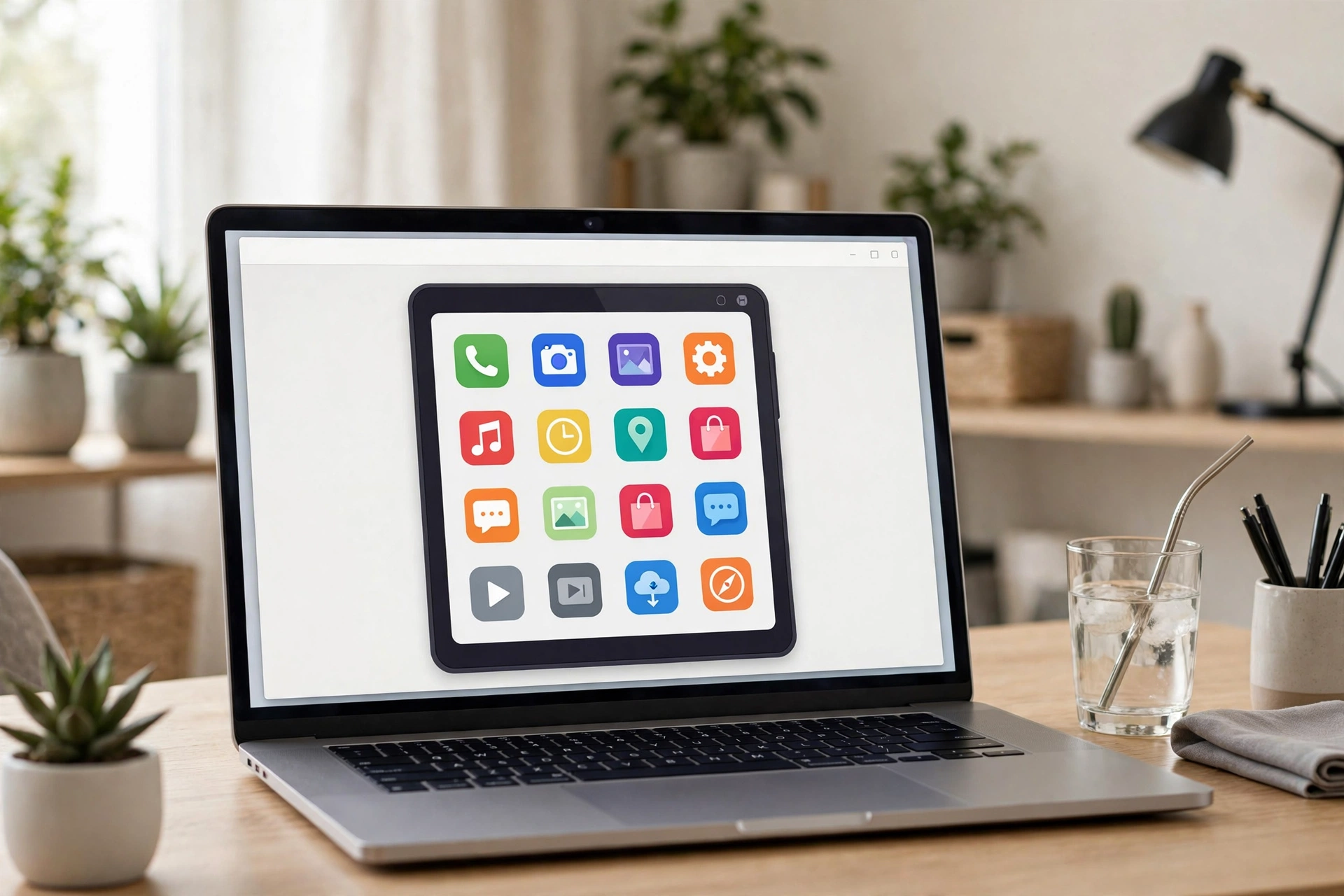
And then there is the simplest case: someone who just wants to use Android apps on a bigger screen. A laptop screen beats a phone screen for anything that takes more than a few minutes, and the emulator on the server does all the lifting. Your old laptop becomes a perfectly good Android machine.
Emulator RDP vs Running an Emulator on Your Own PC
The honest comparison is cost versus convenience. A powerful local PC costs hundreds of dollars up front and draws real power running emulators all day. An emulator RDP costs $16.99/month, needs no upgrades, and you can cancel anytime. Over a year, the cloud option is cheaper than almost any hardware upgrade that would deliver the same performance.
There are two real trade-offs. First, you need an internet connection: if your connection drops, your session drops with it, though the apps keep running on the server and you reconnect where you left off. Second, competitive gamers with very fast local hardware may get slightly lower input latency locally than over a remote connection. For everything else, including most mobile gaming, the remote setup wins on consistency. The guide on fixing RDP lag explains how to keep a remote session responsive.
The full setup walkthrough for running BlueStacks on a cloud PC covers both paths: renting a pre-installed emulator RDP or installing BlueStacks yourself on a Windows VPS.
Want Android apps on powerful hardware?
Emulator RDP comes with BlueStacks pre-installed and tuned, ready to run your games and apps.
From $16.99/mo · BlueStacks pre-installed · USA & UK · 24/7 support
What to Check Before You Buy
Not every “RDP” plan can run an emulator. The critical requirement is virtualization support: BlueStacks needs it enabled at the hardware level, and most cheap shared RDP plans do not offer it. If a plan does not explicitly say it supports emulators, assume it does not. A purpose-built emulator RDP plan is the safe choice because the provider guarantees the feature works.
Ask about the admin level too. Emulators need system-level access to install and configure, and you may want to install your own apps or tweak settings later. The guide on whether you need admin access on RDP explains which plan tiers include it and why it matters for software like this.
Location matters more than people expect. A server in the USA or UK will give you low latency if you are in those regions or play on those game servers. SadeemRDP’s emulator plans are hosted in the USA and UK, so pick the location closest to you or to your game’s servers. And check the terms on automation: some shared plans restrict bots and automated scripts, so if you plan to automate anything, confirm with support before paying.
How the Setup Usually Works
With a pre-installed emulator RDP, the process is short. You receive your login credentials after payment, connect using the Remote Desktop app (built into Windows, free apps available for Mac, Android, and iOS), and find BlueStacks already on the desktop. Sign into your Google account inside the emulator, install your apps from the Play Store, and start using them. The whole thing takes about as long as downloading one app.
If you ever outgrow the emulator use case, the same machine is still a full Windows desktop: browsing, office work, downloads, media. That is the quiet advantage of an emulator RDP over a single-purpose cloud gaming service. You are renting a real computer that happens to be great at Android, not a game-streaming slot. When the game is off, the machine still earns its keep.
Frequently Asked Questions
What is an emulator RDP used for?
Running Android apps and games on cloud hardware. The most common uses are mobile gaming (PUBG Mobile, Free Fire, COD Mobile), running multiple app instances, app testing, and automating Android workflows 24/7 without wearing out your own devices.
Do I need a powerful PC to use an emulator RDP?
No, that is the entire point. The server does all the heavy work: CPU, graphics, and RAM. Your own device only runs the remote desktop connection, which even an old laptop or a phone handles easily. A stable internet connection matters more than your device’s specs.
Is BlueStacks already installed on an emulator RDP?
On a purpose-built plan, yes. SadeemRDP’s Emulator RDP ships with BlueStacks pre-installed and tuned. Generic RDP plans usually do not include it, and many cannot run it at all because they lack virtualization support, which is why buying the right plan matters.
Can I play PUBG Mobile on an emulator RDP?
Yes. PUBG Mobile runs through BlueStacks on the server, and you control it from your own device. Use an account you are comfortable with, since some games have their own rules about emulators, and pick a server location close to your game’s region for the lowest latency.
Is an emulator RDP better than buying a gaming phone?
It depends on the use case. A gaming phone is better for playing on the move. An emulator RDP is better for 24/7 operation, multiple instances, bigger screens, and avoiding hardware upgrades. At $16.99/month, it is far cheaper than a new phone if your goal is always-on Android apps rather than portable gaming.
Comments