

Buying cheap RDP is worth it when your workload matches what a budget plan is built for: browsing, office documents, light multitasking, and keeping sessions running around the clock. It is not worth it when you need to install your own software, run heavy applications, or need dedicated performance, because cheap plans are shared and come without admin rights.
Two dollars a month for a full Windows desktop sitting in a US datacenter sounds like a typo. It is not. Budget RDP plans have been around for years, and for the right buyer they are one of the best deals in remote computing. But “cheap” covers everything from legitimate providers selling shared servers to outright scams selling accounts that get deleted a week later. This article separates the two, lays out exactly what cheap RDP can and cannot do, and ends with a clear yes-or-no test so you can decide in under a minute.
What does “cheap RDP” actually mean?
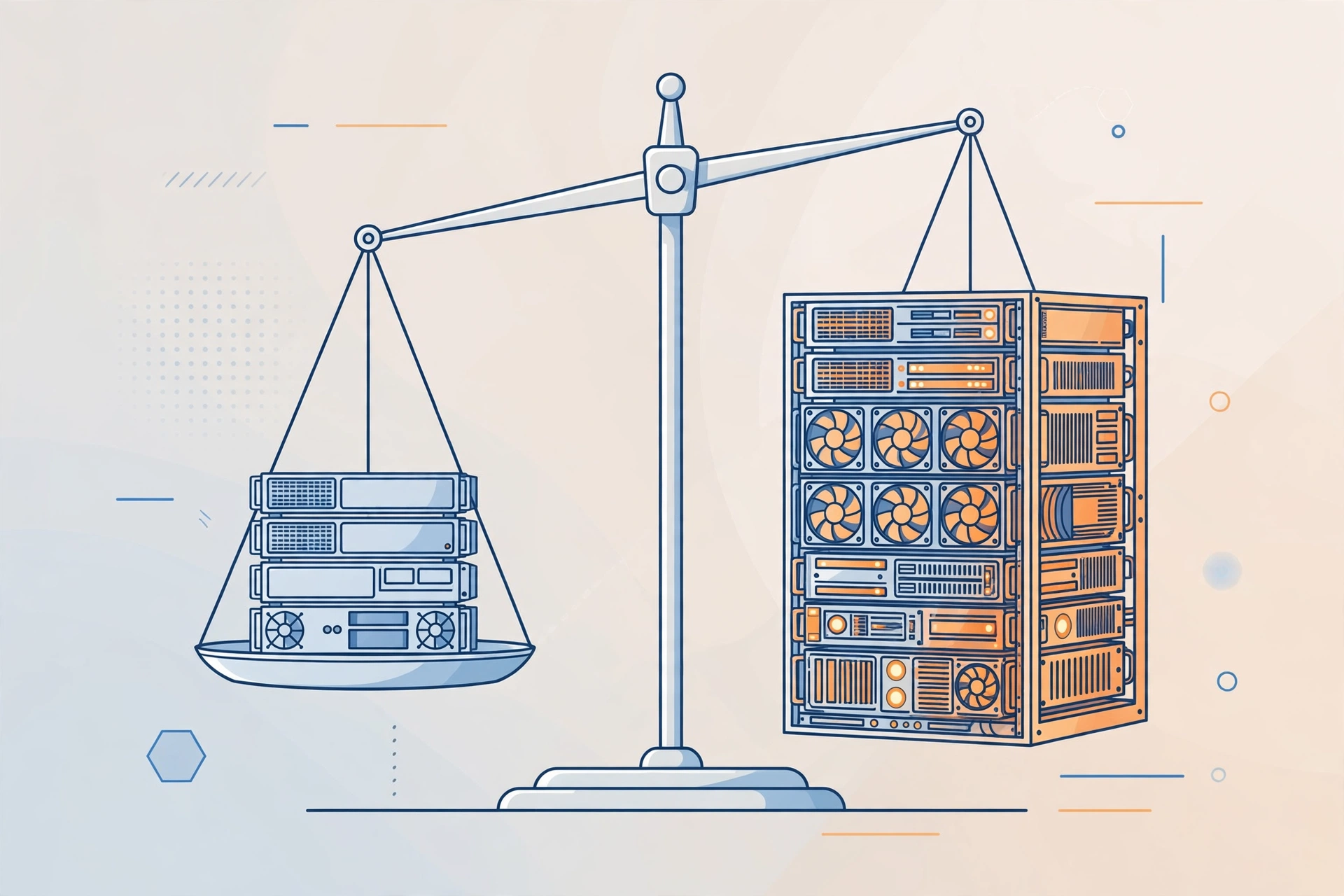
Cheap RDP means a shared Windows remote desktop sold at the budget end of the market, typically between $1.99 and $5 per month, where the provider divides one powerful server among many customers to keep the price low.
You connect from your own device using the Remote Desktop client, and you get a Windows environment with a browser, office tools, and an always-on connection. What you do not get on the cheapest plans is administrator access, which means you cannot install your own software or change system settings. The server’s CPU, RAM, and storage are shared with other users.
What can you honestly do with a cheap RDP?
You can honestly use a cheap RDP for anything browser-based or light: research, writing, spreadsheets, email, data entry, managing websites or social accounts, and running browser tools that need to stay online around the clock.
The sweet spot is work where the software you need already comes pre-installed. If you are a student, our guide to the best cheap RDP for students goes deeper into the study use cases.
What can’t a cheap RDP do?
A cheap RDP cannot install custom software, run games or heavy applications, mine cryptocurrency, or guarantee you dedicated performance, because the cheapest plans are shared machines with no administrator access and strict usage rules.
If you need to install your own software, read our guide on whether you really need admin access on RDP first.
What are the red flags of a cheap RDP scam?
The red flags are prices that make no sense (a full admin Windows server for $1), payment only through irreversible methods with no order system, no published usage rules or refund policy, no real support channel, and accounts delivered instantly with no setup time at all.
From $1.99/mo · Browser RDP · 24/7 online
When is buying cheap RDP genuinely smart?
Buying cheap RDP is genuinely smart when your workload fits the plan’s limits, you buy from an established provider with published rules, and you treat it as a specialized tool rather than a full computer replacement.
Our comparison of shared vs private RDP lays out exactly when that upgrade makes sense.
How do you pick a trustworthy cheap RDP provider?
Pick a provider with a real website, published usage rules and terms, a support channel that responds before you pay, clear setup times, and pricing that reflects the actual cost of shared servers rather than fantasy numbers.
Frequently Asked Questions
Is a $1.99 RDP too cheap to be real?
Not necessarily. Shared hosting economics make it work: one powerful server divided among many users, no admin access, and browser-focused software keeps costs per user very low.
Can I get a refund if cheap RDP does not work for me?
It depends on the provider’s policy, and this is why you read it before ordering.
Will a cheap RDP work for online classes?
For browser-based classes, document work, and research, yes, cheap RDP works well. If your classes need installed software, you will need a plan with admin rights instead.
How long does setup take on a cheap RDP?
Real providers take some time to provision your account. SadeemRDP lists a minimum setup time of one hour, extending to two or three hours during high order volume.
Should students buy the cheapest RDP or spend a bit more?
Start with the cheapest plan that covers your tasks. For browsing, assignments, and research, the $1.99 Browser RDP is enough.
Comments