

The best cheap RDP for students is a browser-based plan in the $1.99 to $5 range, which covers assignments, research, browsing, and office documents on a Windows machine that stays online around the clock. Students who need to install their own software, like a specific IDE or design tool, should instead look at a plan with admin rights, since budget plans do not include administrator access.
A student budget and a computer that cannot keep up are a bad combination. A cheap RDP solves all three problems at once: for less than the price of a coffee per month, you get a Windows desktop in a datacenter that stays on, has a fast connection, and runs from any device you own.
Why do students buy RDP in the first place?
Students buy RDP because it gives them a fast, always-on Windows computer they can reach from any device, which solves the three most common student problems: a weak or shared home computer, unreliable internet, and the need to work from anywhere.
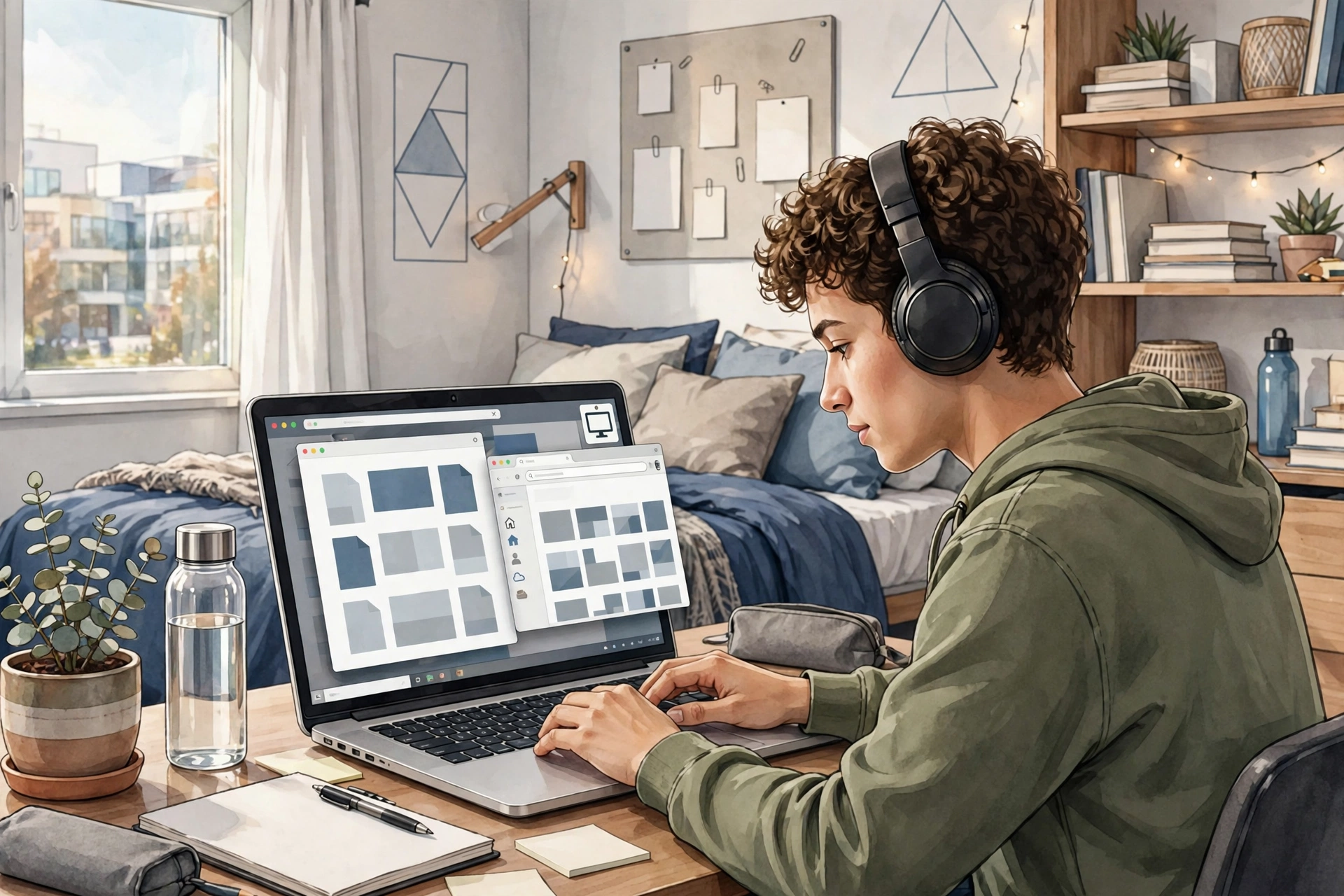
What can a student actually do on a cheap RDP?
On a cheap RDP, a student can write assignments, do research, build spreadsheets and presentations, download course materials over a fast connection, manage email, and keep study tabs and documents open around the clock.
If you are wondering whether budget RDP is legitimate at all, our honest breakdown of whether buying cheap RDP is worth it covers the pros, cons, and scam red flags.
What are the limits students hit first?
The limits students hit first are the lack of administrator access, which blocks installing software, and the shared resources, which can slow things down during peak hours.
Our guide on whether you need admin access on RDP will help you decide, and our explainer on installing software on a cheap RDP spells out the boundary clearly.
How much should a student pay for RDP?
A student should pay between $1.99 and $5 per month for browsing and office work, and only more if a real course requirement, like installed software, forces an upgrade to an admin plan.
From $1.99/mo · Browser RDP · Always-on Windows
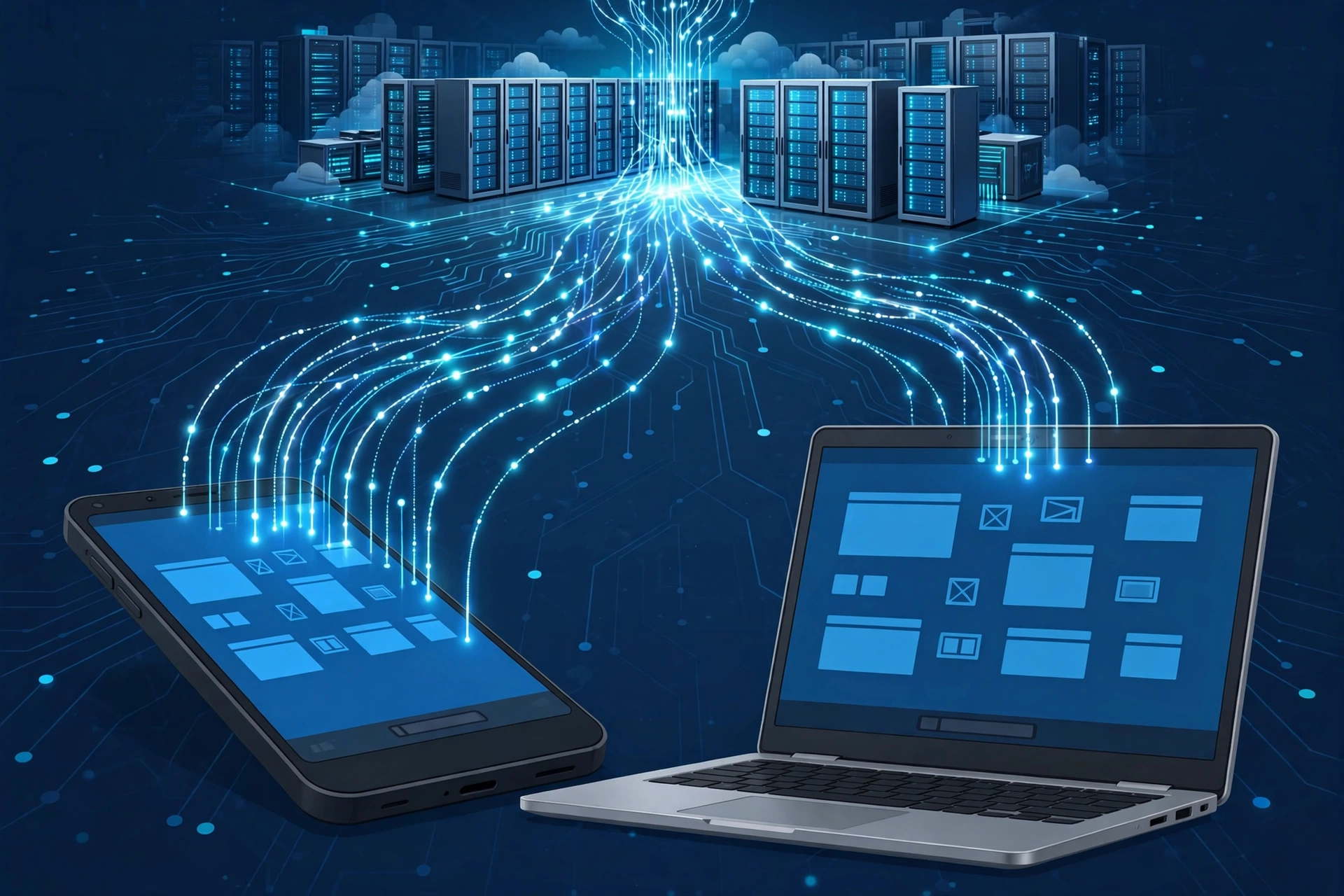
Can you use a cheap RDP from a phone or Chromebook?
Yes, you can use a cheap RDP from a phone, tablet, or Chromebook, because the heavy work happens on the remote server and your device only needs to run the Remote Desktop client.
If your home computer struggles with remote sessions generally, our guide to fixing a laggy RDP connection covers the usual causes.
What should students check before ordering?
Before ordering, students should check that their course software runs in a browser or is pre-installed, confirm the provider’s usage rules and setup time, and start with the shortest billing period to test real performance.
Frequently Asked Questions
Is a $1.99 RDP enough for online classes?
For browser-based classes, yes. Video lectures, learning portals, assignments, and research all run well on a budget browser RDP.
Can a cheap RDP replace my laptop?
It can replace it for browser and office work, but not as your only computer.
Will my university know I am using an RDP?
Using an RDP for your own coursework is not something universities monitor or forbid.
How long does student RDP setup take?
Real providers need time to provision your account. SadeemRDP states a minimum setup time of one hour, extending to two or three hours when order volume is high.
What happens when I outgrow the cheap plan?
You upgrade. The natural paths are an admin plan when you need to install software, or a private VPS when you need consistent dedicated performance. Our comparison of shared vs private RDP explains when each upgrade makes sense.
Comments