
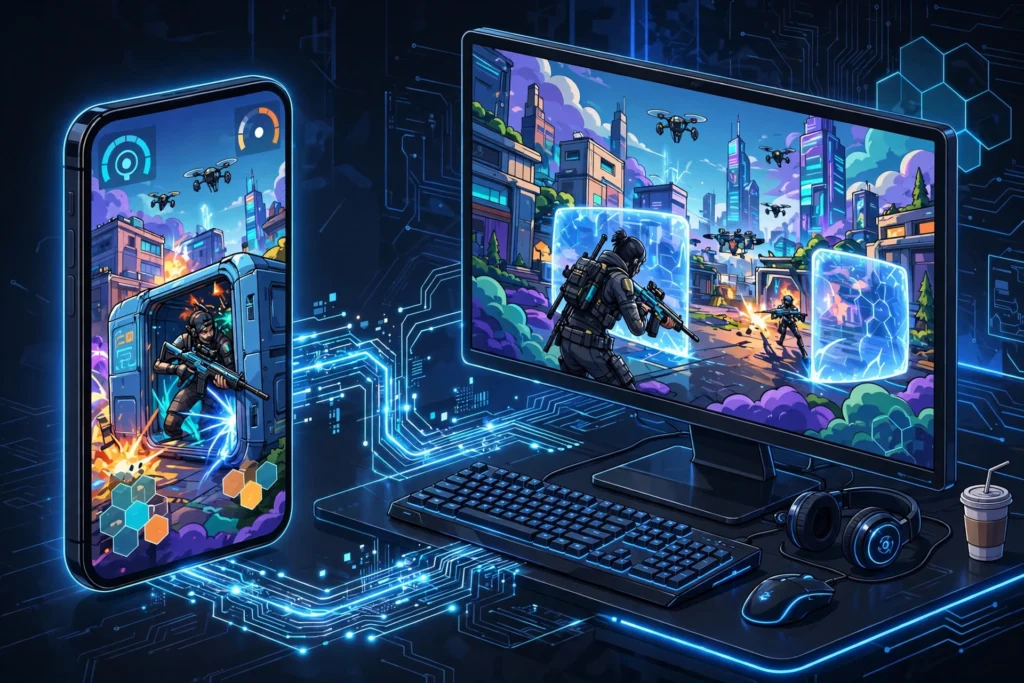
Short answer: Yes, you can play Free Fire on an emulator RDP. An emulator RDP is a cloud Windows PC with BlueStacks already installed, so the game runs on the server instead of your weak phone or PC. Expect smooth casual matches with slight input delay. It suits relaxed play, not serious ranked pushing.
How does Free Fire actually run on an emulator RDP?
It runs the same way any Android game runs on BlueStacks, except the computer is not yours. The provider keeps a Windows server online around the clock with BlueStacks pre-installed. You connect to it with the Remote Desktop app on your phone, laptop, or Chromebook, open BlueStacks on that remote screen, and play Free Fire inside it.
Your device only displays the picture and sends back your clicks and key presses. The heavy lifting, rendering the game, running the emulator, handling the network traffic, happens on the server. That is why a five-year-old phone or a basic laptop with no graphics card can still give you a playable Free Fire session. The game thinks it is running on a decent PC.
One honest caveat before you get excited: you are adding network travel time to everything you do. Your tap travels to the server, the game reacts, and the new frame travels back to you. On a decent connection this feels like a small delay. On a weak connection it feels like playing with lag, because that is exactly what it is.
What do you need to get started?
Less than you probably think. You need three things: an emulator RDP plan from a provider, the free Microsoft Remote Desktop app on whatever device you own, and the login details the provider sends after payment. Activation is usually quick, SadeemRDP activates plans fast after payment and support is available around the clock if you get stuck.
Once you are logged into the remote desktop, BlueStacks is already there. Open it, sign in with a Google account, install Free Fire from the Play Store, and you are nearly done. The step most new players miss is key mapping: BlueStacks lets you bind keyboard keys and mouse movement to the on-screen controls, so open the key-mapping panel and set up WASD movement, shooting, and the medkit key before your first match. Playing a shooter with raw touch emulation on a remote screen is miserable; a proper key map changes everything.
If you want the full walkthrough of the emulator side, this guide to running BlueStacks on a cloud PC covers the setup screens in detail, and the emulator RDP explainer breaks down who this kind of plan is really for.
How well does it really play? Honest limits
Let us be straight about what to expect. For casual and classic matches, an emulator RDP plays Free Fire well. The game loads, the graphics look clean at 720p or 1080p, and the frame rate holds up as long as the server is not overloaded.
The limits are real though. First, input delay: even on a good connection, add roughly 50 to 150 milliseconds to your reactions compared to playing on your own device. You will feel it in close-range fights. Second, shared hardware: most emulator RDP plans run on shared servers, so if several users are gaming at once, you can get brief stutters. Third, emulator matchmaking: Free Fire detects emulators and typically places you in lobbies with other emulator players, so the competition feels different from mobile lobbies.
What does that add up to? A great setup for daily missions, casual squad games with friends, and playing on a big screen without buying a new device. A bad setup for ranked grinding, where every millisecond counts. Nobody should promise you a flawless 90 FPS ranked experience on a shared remote server, and you should be suspicious of any provider that does.
Free Fire’s requirements vs what the server gives you
Free Fire is light by battle-royale standards, which works in your favor here. BlueStacks itself asks for at least 4 GB of RAM and recommends 8 GB, with virtualization enabled on the host machine. On your own weak PC, that recommendation alone can be the wall. On an emulator RDP server, the RAM and CPU live in the datacenter, so the minimum specs stop being your problem.
The spec that still matters is your internet connection. Remote desktop play needs a stable connection more than a fast one. Around 10 Mbps down with steady ping is enough for a clean session. If your connection drops packets, no server on earth will fix the stuttering. Test your connection first; the server can only work with what your line gives it.
Your display resolution matters too. Running the remote session at 1920×1080 looks great but uses more bandwidth than 1366×768. If the game feels choppy, lowering the remote desktop resolution is the fastest free fix, and this guide on running multiple Android apps on a weak PC has more tuning tips that apply here.
Setting up controls: keyboard and mouse mapping
Controls make or break shooter games on an emulator, and Free Fire is no exception. BlueStacks ships with a default key map for shooters, but the defaults rarely match how you actually play. Spend ten minutes in the controls editor: bind movement to WASD, firing to left mouse click, aiming to right click, crouch and prone to comfortable keys, and the heal button somewhere your fingers reach without thinking.
Two settings deserve special attention. Turn on the “shooting mode” toggle so your mouse locks to the game window during fights; without it, your cursor drifts off the game at the worst moments. And set the mouse sensitivity a notch lower than you think you need. The small network delay in a remote session makes high sensitivity feel twitchy, while a calmer setting keeps your aim steady.
If you also play PUBG Mobile or Call of Duty Mobile, the same setup logic applies, and players have written up their experiences with PUBG Mobile on emulator RDP and Call of Duty Mobile on emulator RDP if you want to compare notes across games.
From $16.99/mo · BlueStacks pre-installed · USA/UK servers · 24/7 uptime
The cost question: is it worth it for Free Fire?
An emulator RDP plan starts at $16.99 per month. Whether that is worth it depends entirely on your situation. If your phone overheats, your PC cannot run BlueStacks, and you play Free Fire daily, it is cheaper than buying new hardware and it doubles as a general cloud PC for anything else you want to run.
If you play twice a month on a phone that handles the game fine already, skip it. The plan earns its keep when your local hardware is the bottleneck. One more practical note: emulator RDP plans have limited admin rights, so you cannot install heavy custom software or system-level tools. If you are unsure whether something you want to run is allowed, ask the provider’s support before buying. SadeemRDP runs support around the clock on WhatsApp, Telegram, live chat, and tickets, and they have been selling Windows RDP and private VPS plans since March 2017, so they have heard every version of this question.
Check the official BlueStacks requirements and Free Fire’s official site for the latest game-side details before you commit.
Free Fire is lighter than most emulator games, which makes it a useful starting point. Play Android Games on PC Without a Graphics Card (2026) covers weak home PCs, How to Run Android Apps 24/7 on a Cloud PC (2026) explains keeping apps running, and BlueStacks Lagging on a Low-End PC? 7 Fixes (2026) fixes the lag that shows up even in lighter games.
Frequently Asked Questions
Can I play Free Fire on an emulator RDP for free?
Not really. The server time costs the provider money, so working emulator RDP plans are paid, starting around $16.99 per month. Free RDP offers floating around the internet are usually stolen accounts, time-limited trials, or scams that put your game account at risk. A cheap paid plan is the safe floor.
Will I get banned for playing Free Fire on an emulator?
No, emulators are not a bannable offense in Free Fire by themselves. The game detects emulator use and typically matches you with other emulator players instead of banning you. You only risk a ban for the usual reasons: cheats, hacks, or modified game files, none of which you should touch.
How much internet speed do I need to play on an emulator RDP?
Stability matters more than raw speed. About 10 Mbps down with a steady ping gives a clean session. Packet loss and jitter hurt far more than a lower speed number, so a stable 10 Mbps line beats an unstable 50 Mbps one for remote play.
Can I use my Free Fire account on BlueStacks?
Yes. Free Fire accounts are tied to your Facebook, Google, VK, or guest login, not to your device. Sign in with the same account inside BlueStacks and your progress, skins, and friends list carry over exactly as they are on your phone.
Is emulator RDP better than buying a cheap gaming phone?
It depends on the math. A plan at $16.99 per month costs about $204 per year, roughly the price of a budget gaming phone that you keep for years. The RDP wins if you also want a cloud PC for other tasks or your internet is excellent; the phone wins for ranked play where input delay matters most.
Comments