
Yes, you can play Android games on a PC without a graphics card. Light and mid-range games run fine on integrated graphics with the right settings, while demanding 3D titles need lower resolution and a capped frame rate. If your PC still stutters, a cloud PC runs the game on a server instead, so your own hardware stops being the limit.
Most PCs that were bought for office work, school, or basic browsing have one thing in common: no dedicated graphics card. The screen is driven by integrated graphics, a small graphics unit built into the processor itself. That is enough for video calls, spreadsheets, and YouTube. Android games are a different question, because an emulator adds a whole second system on top of Windows. The good news is that Android games were designed for phones, not gaming PCs, so many of them are far lighter than people expect.
This guide explains what actually works on a PC without a graphics card, which settings make a real difference, and where the honest limits sit. It also covers the cloud PC option for the games that simply will not run well on weak hardware, no matter how much you tweak them.
Why does a PC without a graphics card struggle with Android games?
A PC without a dedicated graphics card struggles because integrated graphics shares everything with the rest of the system. It has no memory of its own, so it borrows system RAM. It also shares power and cooling with the processor. Add an Android emulator, which runs a full Android system inside Windows, and you now have two operating systems competing for the same limited resources.
The result is easy to recognise. Menus feel fine, but gameplay stutters when the action gets busy. Frame rates drop in open areas, textures load late, and the fan spins up loudly. None of this means the PC is broken. It means the workload is bigger than the hardware was built for, and the fix is to shrink the workload, not to buy a new machine on the spot.
Can you play Android games on integrated graphics at all?
Yes, for a large part of the Android catalogue. Puzzle games, card games, idle games, turn-based strategy, and most 2D titles run comfortably on modern integrated graphics. Many popular mid-range games also run well once the resolution is lowered and the frame rate is capped. Intel UHD Graphics and AMD Radeon Vega integrated graphics, both common in laptops from the last few years, handle this tier without much trouble.
Demanding 3D games are where the line appears. Titles with large open worlds, heavy particle effects, and high-resolution textures will run, but often at low settings and with frame drops during busy scenes. That is a hardware ceiling, not a settings problem. If a game needs a dedicated GPU on a phone-class chip, it will need similar help on a PC too. Knowing which side of that line your game sits on saves a lot of wasted tweaking.
What settings actually help on a weak PC?
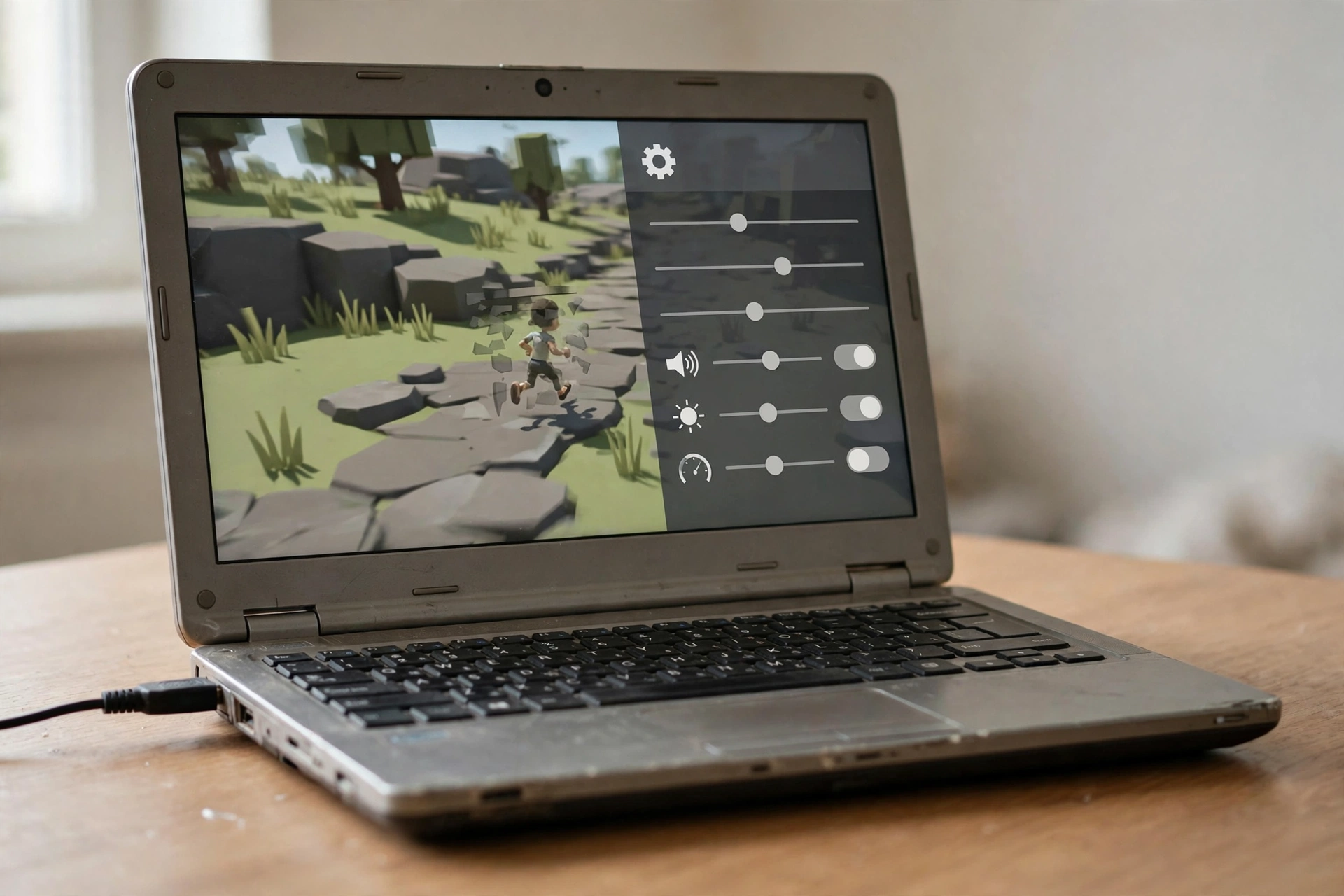
Start with the emulator, not Windows. Set the emulator resolution to 1280×720 or lower, and cap the frame rate at 30 frames per second for heavier games. Pick the DirectX renderer first, since it tends to be the most stable on integrated graphics, and switch to OpenGL only if a specific game runs worse. Give the emulator 2 CPU cores and 2 GB to 3 GB of RAM, and leave enough RAM for Windows itself. Giving the emulator everything you have usually makes things worse, because Windows starts swapping to disk.
Next, close what you do not need. A browser with twenty tabs, a video call, and a game update running in the background can eat the same RAM the emulator needs. Turn off Windows visual effects, set the power plan to High Performance while plugged in, and keep the laptop on a hard surface so air can move. These are small changes, but on a weak PC they add up to a smoother game, because every spare resource goes to the emulator instead of background tasks.
If you already read the guide on fixing BlueStacks lag on a low-end PC, the same checklist applies here. The fixes work because they attack the same bottleneck: too little RAM and CPU headroom for two systems at once.
Which Android games run fine without a dedicated GPU?
Light games are the safest bet. Think of titles like puzzle games, word games, auto-battlers, card battlers, and tower defence games. They use simple graphics and do not need fast reactions, so a few dropped frames barely matter. Mid-range games such as Free Fire on low settings, Clash of Clans style base builders, and most gacha games also run acceptably on recent integrated graphics, especially at 720p.
Heavy 3D games are a different story. Large battle royale maps, open-world RPGs, and racing games with detailed reflections will push integrated graphics hard. They may still be playable at the lowest settings, but competitive play suffers when frames drop in a fight. For casual play, that trade-off is fine. For ranked matches, it is not, and that is where a stronger setup earns its keep.
When is a cloud PC the better answer?
A cloud PC is the better answer when your own hardware is the wall. On a cloud PC, the emulator runs on a server with proper CPU and RAM, and your PC only shows the picture. The game does not care whether your laptop has a graphics card, because the rendering happens elsewhere. That is the same idea behind running several Android apps at once on a weak PC: move the heavy work off the machine in front of you.
The trade-off is honest and worth stating plainly. A cloud PC needs a stable internet connection, and there is a small input delay compared with playing locally. For casual and mid-range games, most players stop noticing it after a few minutes. For fast competitive shooters, local hardware still wins. The cloud option is best for players whose PC cannot run the game at all, or who want to keep games running without leaving their own machine on.
From $16.99/mo · BlueStacks pre-installed · USA/UK
How do you set up Android gaming on a cloud PC?
Setup is shorter than most people expect. First, pick a plan built for emulation, since a generic cheap desktop may not have the RAM an emulator needs. An emulator RDP comes with BlueStacks pre-installed, which removes the longest step. Connect from your PC with a remote desktop client, open the emulator, and sign in to the Play Store or install your game the usual way.
Controls need a minute of setup. A keyboard and mouse work for most games through the emulator keymapping tool, and many players connect a controller for racing and action titles. If you are choosing between emulators, the BlueStacks vs LDPlayer comparison covers which one fits single games and which one fits several instances. Either way, the game keeps running on the server when you disconnect, so you can close your laptop and pick up later.
Gaming without a graphics card is possible, but only for the right games and settings. How to Run BlueStacks on a Cloud PC (Full Guide) walks through the cloud route, Can You Play PUBG Mobile on an Emulator RDP? (Guide) shows a heavier game on that setup, and How to Run Android Apps 24/7 on a Cloud PC (2026) explains keeping apps alive once they are running.
Frequently asked questions
Do I need a graphics card to play Android games on a PC?
No. Integrated graphics handle light and mid-range Android games well, especially at 720p with a capped frame rate. A dedicated card only becomes important for demanding 3D games, or for running several emulator instances at once.
Why does my game lag even though my PC meets the minimum specs?
Minimum specs usually describe the emulator alone, not the emulator plus Windows plus your browser and background apps. On a PC with 4 GB of RAM, there is very little headroom left. Closing background apps and lowering the emulator resolution often fixes more lag than any single setting change.
Can Free Fire run on a PC without a graphics card?
Yes, on low settings. Free Fire is lighter than most battle royale games, and it runs acceptably on recent integrated graphics at 720p. Frame drops can still appear in busy fights, so competitive players will notice the difference, but casual matches play fine.
Is playing on a cloud PC slower than playing locally?
There is a small added delay, because your inputs travel to the server and the picture travels back. On a stable connection close to the server location, the delay is small and most casual players adjust quickly. Local hardware still wins for fast competitive play where every millisecond counts.
Can I use my phone instead of a PC for these games?
Yes, and for many players a phone is the simplest option. A PC matters when you want a bigger screen, a keyboard and mouse, several accounts at once, or games running while your phone is free for other things. A cloud PC gives you that bigger-screen setup without needing a stronger PC.