
Short answer: on a typical emulator RDP with 8 GB of RAM, expect 2 to 4 emulator instances running smoothly at the same time. Each instance usually needs 2 to 4 GB of RAM and 1 to 2 CPU cores, so the real limit is almost always memory, not the emulator software itself. Give each instance enough room and they stay stable; squeeze in one too many and they all start stuttering together.
Running several Android games or apps at once is the whole point of multi-instance play. One account farms resources while another runs a daily quest, or three apps stay logged in around the clock for a job that needs them. It works well on a cloud machine, but only up to a point. That point is set by hardware, and it helps to know the math before you pay for a plan that cannot hold the load.
What actually limits the number of instances?
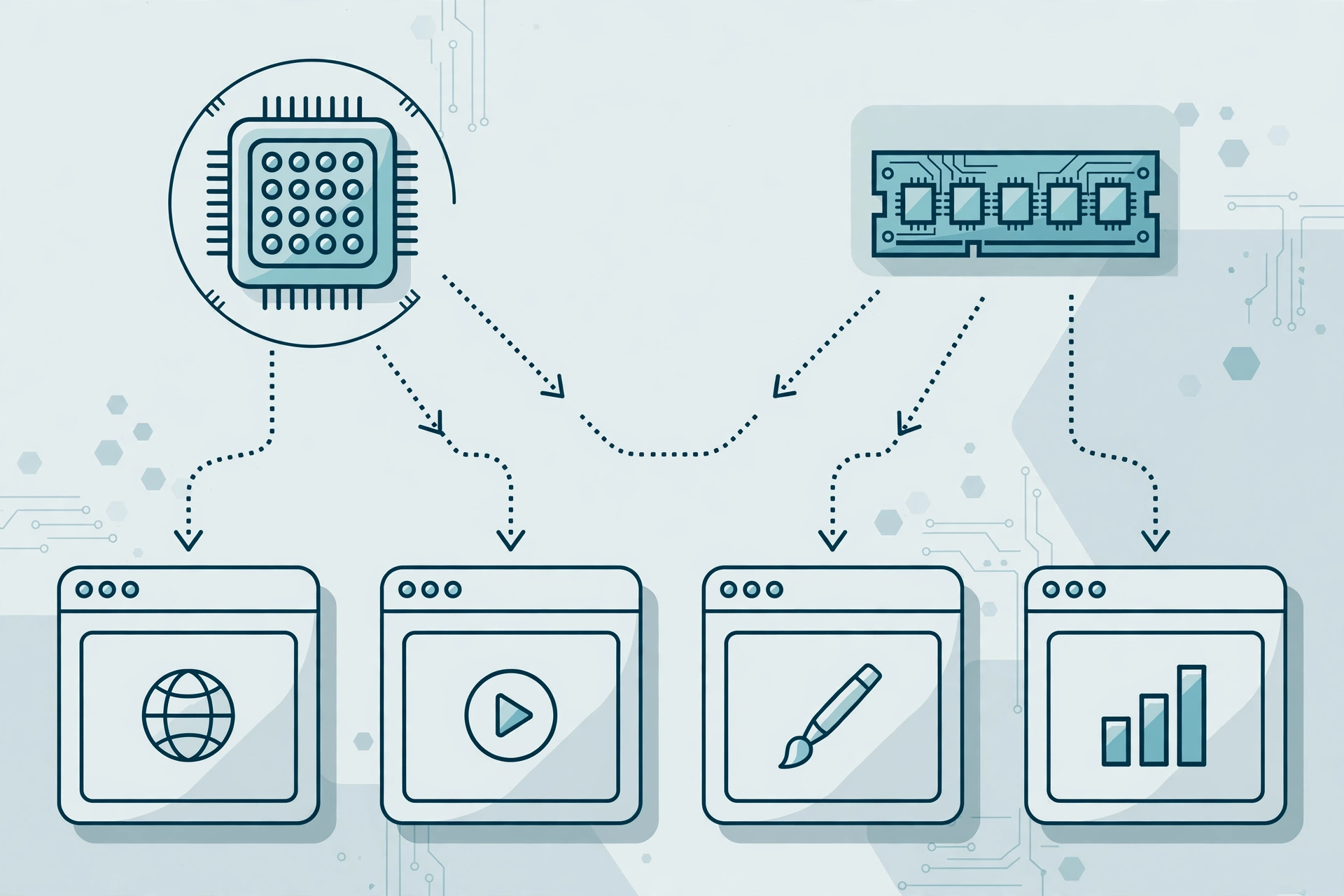
Three things share the machine: RAM, CPU cores, and disk speed. RAM is the hard wall. When RAM runs out, the system starts swapping to disk, and every instance turns sluggish at once. CPU is the soft wall: too few cores and each instance gets a smaller slice of processing time, which shows up as frame drops and slow taps. Disk speed matters less, but a slow drive makes all instances load slowly at the same time.
One more factor people forget: the host operating system needs its own share. Windows itself typically holds 2 GB or so just to run. So a machine advertised with 8 GB of RAM does not hand you 8 GB for emulators. After Windows takes its cut, you have roughly 6 GB left to split between instances. That single detail explains most of the disappointment people feel when their fifth instance freezes.
How much does one emulator instance need?
It depends on the emulator and the app inside it. A light app, like a messaging tool or a simple idle game, can run fine on 2 GB of RAM and 1 CPU core. A heavy 3D game wants more: 3 to 4 GB of RAM and 2 cores is a realistic setting, and some titles still stutter below that. BlueStacks publishes its own minimum and recommended specs, and those numbers are a good starting point for sizing.
Here is a rough per-instance guide based on typical settings:
- Light apps (chat, idle games, utilities): 2 GB RAM, 1 CPU core
- Mid-weight games (2D titles, casual 3D): 2 to 3 GB RAM, 1 to 2 CPU cores
- Heavy 3D games (battle royale, open world): 3 to 4 GB RAM, 2 CPU cores
- Multi-instance managers and background tools: add 1 GB RAM on top
These are typical figures, not promises. A game update can raise the demand overnight, and two instances of the same heavy game will always cost more than two light apps. Treat the numbers as planning figures and leave a little headroom.
So how many instances fit on each plan size?
Take the usable RAM after Windows, divide it by what each instance needs, and you get a realistic ceiling:
- 4 GB plan: 1 instance comfortably, maybe 2 light ones. This is a single-game machine, not a multi-instance setup.
- 8 GB plan: 2 to 3 mid-weight instances, or 2 heavy ones. This is the sweet spot for most multi-account players.
- 16 GB plan: 4 to 6 instances depending on weight, or 3 to 4 heavy games. This is where serious multi-instance setups live.
- 32 GB plan: 8 or more light-to-mid instances. At this size, CPU cores usually become the limit before RAM does.
Notice the pattern: doubling RAM does not always double instances, because CPU cores and shared-hardware quirks start to bite. On shared plans especially, the hardware is split between users, so a busy neighbor can make your instances feel slower at peak hours. That is normal for shared hosting, and it is one reason private plans cost more.
Why instances slow down before RAM runs out
People often watch RAM hit 90 percent and blame memory alone. But CPU contention shows up first in most cases. Each emulator instance renders graphics, runs game logic, and handles input. When four instances fight over four cores, each one waits its turn, and that waiting is what you feel as lag.
Shared storage is the other quiet culprit. If several instances load assets at once, a mechanical or crowded drive becomes a bottleneck. SSD storage helps a lot here, and it is worth checking what a plan actually includes before buying. Finally, some games detect emulator environments and cap frame rates or add checks that cost CPU. That is a game-side behavior, not something a bigger plan fixes.
If you want the full comparison of the two big emulators before you set up instances, read our BlueStacks vs LDPlayer on a cloud PC breakdown. And if your instances lag even at low counts, our guide on fixing BlueStacks lag on a low-end PC covers settings that help on any machine.

How to squeeze more instances out of the same machine
A few settings changes can buy you one or two extra instances without spending more:
- Lower each instance to 720p resolution. Rendering fewer pixels is the single biggest CPU saving.
- Cap frames at 30 FPS for farming and idle accounts. You do not need 60 FPS on an account that just collects rewards.
- Assign 1 CPU core to light instances instead of 2. Save the 2-core setting for the game you actively play.
- Close the host browser and every background app on the RDP. They eat the same RAM your instances need.
- Use a lightweight emulator build for secondary accounts. LDPlayer tends to be lighter than BlueStacks for extra instances.
- Restart instances daily. Memory leaks build up over long sessions, and a fresh start restores speed.
These tricks help, but they have a floor. If you are already at 720p and 30 FPS and still stuttering, you need more hardware, not more tweaks.
From $16.99/mo · BlueStacks pre-installed · USA/UK locations
When one RDP is not enough
There is a ceiling no setting crosses. If you need ten heavy game instances at once, one shared RDP will not do it, no matter how you tune it. At that point the honest options are a bigger private plan or a second machine. Splitting instances across two RDPs also gives you a backup: if one machine reboots, the other half of your accounts keeps running.
Also worth knowing: emulator RDP plans are shared machines with limited admin rights. You can install and run emulators, but you cannot change deep system settings or run software the provider does not allow. If your setup needs full control, a private Windows VPS is the next step up. For most multi-instance players, though, the standard Emulator RDP fits fine, since BlueStacks comes pre-installed and the specs match the instance math above.
For the always-on side of multi-instance play, our guide on running Android apps 24/7 on a cloud PC covers keeping instances alive around the clock. And if you are still deciding between local and cloud play, running multiple Android apps on a weak PC explains where a local machine hits its wall.
Frequently asked questions
Can I run 10 emulator instances on one RDP?
Only on a large plan, and only with light apps. Ten heavy games on one shared RDP will stutter badly. For ten instances, you realistically need 32 GB of RAM or more, plenty of CPU cores, and light per-instance settings. Most players split that load across two machines instead.
Is BlueStacks or LDPlayer better for multi-instance?
Both support multi-instance, but LDPlayer is usually lighter per instance, which makes it popular for farming accounts. BlueStacks has the bigger feature set and better compatibility with some games. Many players run their main game on BlueStacks and their extra accounts on LDPlayer.
Why do my instances lag at night but run fine in the morning?
Shared hardware. Other users on the same host machine are more active in the evening, so your instances get a smaller share of CPU. If evening lag is a daily problem, a private plan with dedicated resources removes the neighbor effect.
Do I need admin rights to run multiple emulator instances?
Usually not. Emulators install and run with standard user rights on most RDP plans. Admin rights matter only if you need to change system-level settings or install drivers. Emulator RDP plans include BlueStacks pre-installed, so you can start without any admin steps.
Will more RAM alone fix my lagging instances?
Not always. If RAM is full, more RAM helps a lot. But if CPU cores are the bottleneck, extra RAM changes nothing. Check both: if RAM sits below 80 percent while instances still stutter, CPU is the limit, and a plan with more cores is the fix.
Sources: BlueStacks official site for emulator system requirements and multi-instance features.