
Free RDP vs Paid RDP: What’s the Real Catch? (2026)
The catch with free RDP is that someone still pays for the server, the bandwidth, and the support, so the cost usually shows up somewhere else. Free offers often mean shared accounts, short trials, no support, and real data risk. A paid plan from $1.99 a month removes most of that risk.
Search for “free RDP” and you will find plenty of offers that look generous. Free accounts, free trials, free servers, all promised with a smile and a download button. It is tempting, especially if you only need a remote desktop for a small task or you want to try one before spending money.
There is nothing wrong with wanting to save money. The problem is that remote desktop access is not free to provide: servers, bandwidth, storage, and support all cost money. So when the price tag says zero, it is worth asking who is paying, and what they are getting in return?
That question is the whole story of free RDP vs paid RDP. The answer is rarely one dramatic scam. More often, it is a collection of small compromises that add up to a bad experience, and sometimes a genuine security problem. If you are new to the topic, start with the basics of what RDP is and how it works before comparing prices. Once you understand what a remote desktop session actually does, the risks of a free one become much clearer.
Why Does Free RDP Even Exist?
Free RDP offers exist for a few different reasons, and they are not all equally shady. Some companies run short free trials as a marketing tool. They hope you will like the service and stay on as a paying customer. That is a normal business model, usually honest about its limits.
Other offers are less clear. Some websites hand out login details for shared accounts, sometimes accounts that were never meant to be shared. Some bundle a “free RDP” download with software from untrusted sources, which is where malware risk enters the picture. And some simply overpromise: they advertise a full Windows desktop, then deliver a slow, crowded shared session that barely opens a browser.
The common thread is that none of these are built to last. A trial is built to end. A shared account can be taken away, changed, or shut down without warning. Free is a starting point with an expiry date, not a plan you can build work on.
What Is the Catch With Free RDP Accounts?
The first catch is control. On a free account, you are not the customer, so your needs do not come first. The server can be slow because dozens of other users share the same resources. Your session can close without warning. Your files can disappear when the account is reset or handed to someone else. If you were in the middle of a task, that is a real loss, even if no money changed hands.
The second catch is access. Shared accounts mean shared risk. Other people may have used the same login before you, and they may use it after you. Anything you leave on that desktop, a document, a saved password, a logged-in browser session, could be visible to the next person who logs in. That is not a hypothetical worry. It is the natural result of sharing one account between strangers.
Many free offers are hard to leave cleanly. You may be pushed toward a paid upgrade at the worst moment, or the free tier may quietly tighten its limits until paying becomes the only practical option. By then you have invested time setting things up, which makes switching feel like a chore.
Can a Free RDP Put Your Data at Risk?
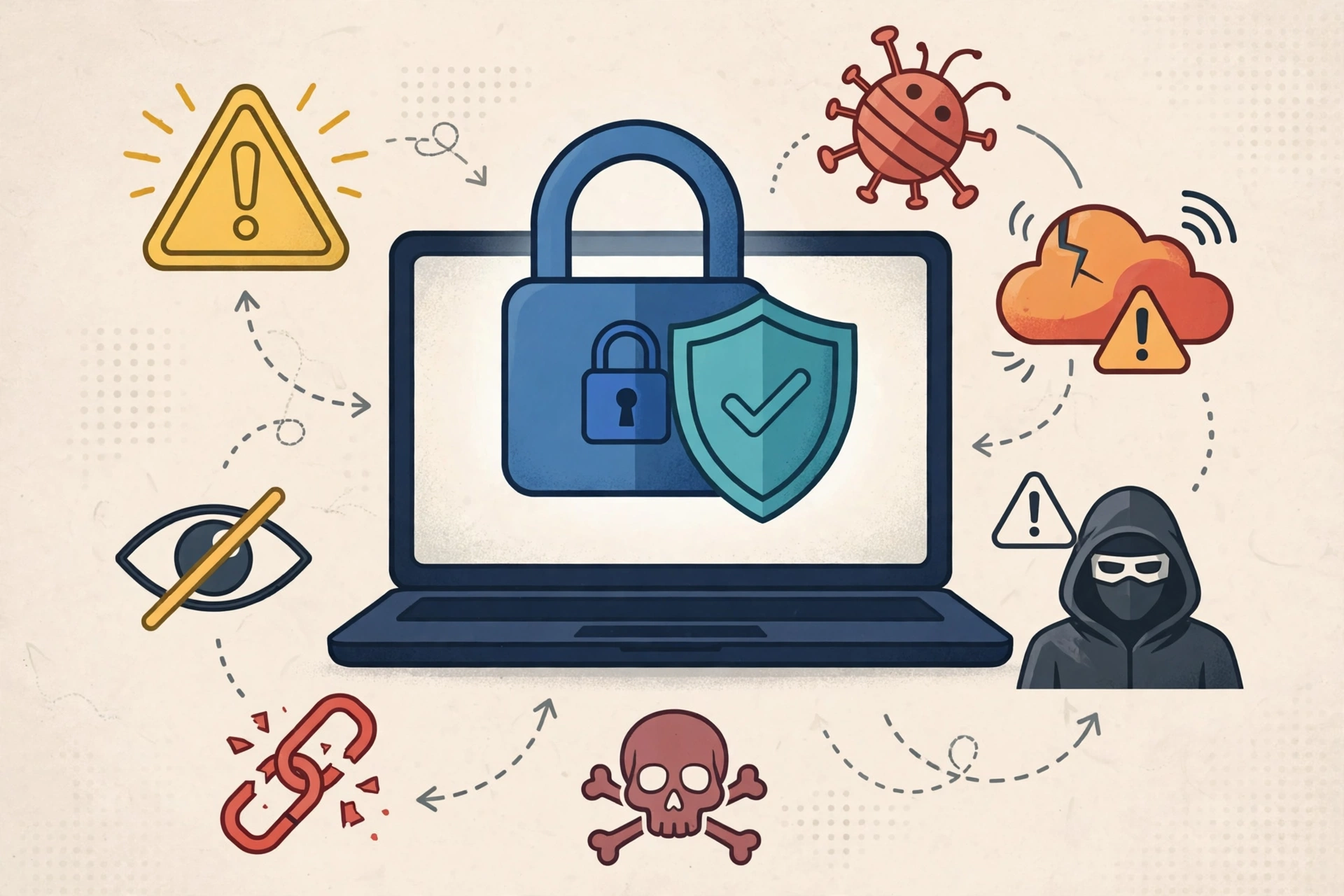
A remote desktop can see a lot. When you log in, you may type passwords, open email, access cloud drives, or work on documents. If the server is run by someone untrustworthy, or if the account is shared, that activity is exposed to people you do not know. That is the core data risk of free RDP, and it is worth taking seriously.
The risk grows when downloads are involved. Some free RDP offers ask you to install a client, a patch, or a “helper” tool from their own site. Software from untrusted download sites is a classic way malware spreads, and a remote desktop tool is a particularly sensitive thing to install from a source you cannot verify. For background on how the protocol itself works, the Remote Desktop Protocol page on Wikipedia is a useful reference.
Simple habits reduce the risk. Never enter banking details or main email passwords on a free shared desktop. Never save passwords in its browser. Treat anything you put on a free server as public, because in practical terms, it might be. These habits help, but they do not fix the underlying problem: you have no agreement with the provider, no support channel, and no one accountable if something goes wrong.
Why Do Free Trials End Right When You Need Them?
It often feels like free trials are timed to end at the worst moment. In reality, the timing is simple: trials are short by design, and real work tends to take longer than expected. A few days is enough to open a browser and click around. It is rarely enough to finish a project or decide whether a setup suits you.
That mismatch creates pressure. When the trial clock runs out mid-task, the natural move is to pay whatever is asked, quickly, without comparing options. A better approach is to start with a plan cheap enough that the clock does not matter, so you can test properly and walk away if it does not fit. If you are weighing cheap options in general, this guide on whether buying a cheap RDP is worth it covers the trade-offs in more detail.
What Do You Actually Get for $1.99 a Month?
This is the part most free-versus-paid comparisons skip: the paid side does not have to be expensive. SadeemRDP’s Browser RDP starts at $1.99 a month, with servers in the USA and the UK, and it is built for exactly the kind of light, browser-based work people often try free RDP for. At that price, the question changes. It is no longer “free versus expensive.” It is “free with strings attached versus $1.99 with an account in your name.”
For that price you get a private session rather than a shared login passed between strangers, plus 24/7 support through WhatsApp, Telegram, live chat, and tickets. Support matters more than people expect. When a login fails or a session freezes, a free offer leaves you searching forums for answers. A paid plan gives you someone whose job is to fix it.
A paid plan stays yours as long as you pay for it. You can save files, set up your browser, and come back tomorrow to find things where you left them. That stability is exactly what free accounts cannot promise. If your needs later grow beyond browser work, the choice between shared and private RDP becomes the next decision, and it is much easier to make from a stable starting point.
From $1.99/mo · USA/UK · 24/7 support

Is Paid RDP Always Better Than Free?
Not automatically. A bad paid plan can still be slow, poorly supported, or badly described. Paying money does not guarantee quality, and a high price does not guarantee honesty. The advantage of paid is not magic. It is accountability, privacy, and stability, and those only count if the provider actually delivers them.
So judge a paid plan the same way you would judge any service. Is the price stated clearly? Are the locations stated? Is there a real support channel, not just a contact form that nobody answers? SadeemRDP has sold Windows RDP and private Windows VPS plans since March 2017, with fast activation after payment and 24/7 support, which gives a buyer something concrete to check.
Free still has a place. A short, official trial from a known provider is a fine way to confirm that remote desktop work suits you. The mistake is building real work on an unofficial free account, storing important files there, or entering sensitive logins there, and then being surprised when it disappears. Use free to learn. Use paid, even very cheap paid, to work.
Frequently Asked Questions
Is there such a thing as a truly free RDP with no catch?
There are genuine short trials from real providers, but a permanent, full-featured free RDP with no limits, no sharing, and no expiry is not a realistic business model. Servers, bandwidth, and support all cost money. If an offer claims otherwise, the cost is usually hidden in shared accounts, data exposure, or an aggressive upsell later.
Is it safe to use a free RDP for light browsing only?
Light browsing is lower risk than entering passwords or handling work files, but it is not risk-free. Shared accounts can expose your activity to other users, and downloads from untrusted sites can carry malware. A $1.99 a month Browser RDP gives you a private session and support for very little money, which is a safer baseline.
Why is my free RDP so slow?
Free servers are usually crowded. Many users share the same hardware, bandwidth, and storage, so speeds drop whenever demand rises. There is also little incentive for the provider to upgrade a free tier. A paid plan with stated resources gives you a clearer expectation, and a support team to contact if performance falls short.
Can I lose my files on a free RDP?
Yes, and it happens often. Free accounts can be reset, reassigned, or closed without warning, and files stored on them can vanish with the account. If a file matters, keep a copy somewhere you control, such as your own computer or a cloud drive you own. Never treat a free remote desktop as your only copy of anything important.
What is the cheapest safe way to try RDP?
Start with the lowest-cost paid plan that fits your task. For browser-based work, SadeemRDP’s Browser RDP starts at $1.99 a month in the USA and UK, with 24/7 support. That gives you a private account, stable access, and someone to help if something breaks, without committing to a larger plan first.
The catch with free RDP was never a secret. It was just spread across the fine print: shared accounts, short trials, no support, and risk to your data. Try free if you want a quick look, but do your real work on an account that is yours, even at $1.99 a month. That small price buys privacy, stability, and someone to call when it breaks.