

What Is a Good Ping for Forex Trading? (2026 Numbers)
A good ping for forex trading is usually under 20 milliseconds to your broker’s server, with under 10 milliseconds considered excellent for most retail traders. Between 20 and 50 milliseconds is still workable for manual trading, but above 100 milliseconds, slippage and delayed fills start to become a real concern.
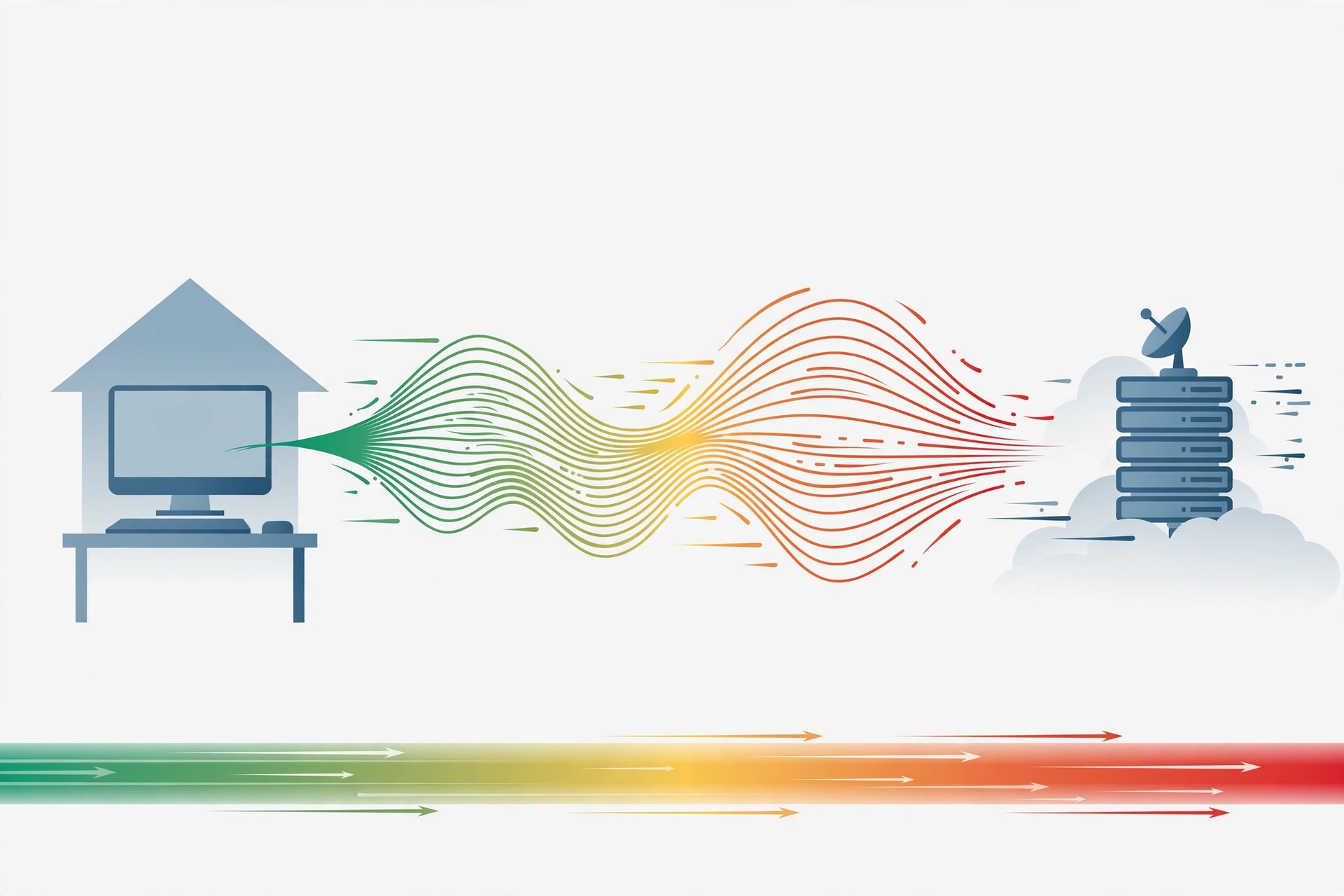
If you have ever watched a trade open at a worse price than the one on your screen, you know how frustrating latency can be. The price moves, your click travels to the broker, and by the time the order arrives, the market has already shifted. That round trip is ping, and in forex it matters more than in almost any other kind of online activity. A video call can absorb a small delay. A trade cannot, because prices change every second.
Ping is not a magic number, though. It is one part of execution quality, alongside your broker’s fill policy, available liquidity, and your platform setup. This guide explains the ranges that matter, how to measure your ping properly, and what genuinely brings it down.
What Ping Ranges Actually Mean for a Forex Trader?
Ping is measured in milliseconds, and one millisecond is one thousandth of a second. It tells you how long a small packet of data takes to travel from your computer or server to the broker’s server and back again. Lower is better, but the difference between one range and the next is worth understanding in plain terms.
Under 10 milliseconds is excellent. At this level, delay rarely plays a noticeable role in fills for manual traders. Many traders with a server in the same region as their broker see numbers in this range. It is a good target, though not a requirement for everyone.
Between 10 and 30 milliseconds is very good. This is a realistic and healthy range for most retail traders, and it covers a lot of well set up home connections and remote servers. If your ping sits here, latency is unlikely to be the main reason behind a bad fill. Other factors, such as spreads widening around news releases, usually matter more.
Between 30 and 80 milliseconds is acceptable for manual trading. You can trade normally without constant trouble. Scalpers may notice the difference here, since their strategy depends on fast entries and exits, but swing traders holding positions for hours will barely notice it.
Above 100 milliseconds, problems become harder to ignore. Orders can slip more often, stop losses can fill further from the intended price during fast moves, and the platform itself can feel sluggish. Above 200 milliseconds, most active traders would treat that as a problem worth fixing, not a number to live with. The fix is usually about location and connection quality, not about buying a faster computer.
These are typical ranges, not promises. Your real ping changes through the day, and it can spike during major news events. A single good reading does not tell the whole story.
How Do You Measure Ping to Your Broker?
Measuring ping sounds simple, but a lot of traders measure the wrong thing. A general speed test to a random server tells you about your internet connection in broad terms. It does not tell you how fast your orders reach your broker. What you need is the ping between your trading setup and your broker’s trade server, and that takes a slightly different approach.
The most useful tool is already inside your trading platform. In MetaTrader 4 and MetaTrader 5, the status bar at the bottom of the window shows your connection speed in kilobytes per second and your ping in milliseconds, right next to the server name. If you right-click that status area, you can rescan servers and compare the ping figures for each one your broker offers. Pick the server with the lowest stable reading, not just the lowest single reading, because consistency matters as much as speed.
For a second opinion, you can ping the broker’s server address from a command prompt or terminal. Your broker’s support team can usually confirm the correct server address to test. Run the test a few times at different hours, including once during a busy session such as the London or New York open. That gives you a realistic picture instead of a quiet Sunday night reading that flatters the result.
What Actually Lowers Your Ping?
The single biggest factor is physical distance. Data travels through fibre optic cables at close to the speed of light, but it still has to travel, and every router and network hop along the way adds a little delay. A trader in Asia connecting to a broker server in London will almost always see higher ping than a server sitting in the same city as that broker. No software tweak can fully overcome geography.
This is why many traders move their platform to a remote server close to the broker. If your broker’s servers are in Europe, a server in Amsterdam or London can cut the round trip dramatically compared with a home connection on another continent. Amsterdam is a major internet hub with dense connections to London, Frankfurt, and other European data centres, which is one reason it is a popular choice for forex hosting. If your broker is based in the United States, a server near New York usually makes more sense, so always check where your broker actually hosts its trade servers before you choose a location.
Your own connection matters too. A wired ethernet connection beats Wi-Fi for stability, because Wi-Fi adds jitter and packet loss. Closing bandwidth heavy programs during trading hours helps as well, since streaming, cloud backups, and large downloads can push ping up at the worst moment.
It also helps to keep your trading platform lean. Running several terminals and a dozen indicator heavy charts on one machine can slow things down. If you run multiple terminals, it is worth reading about how many MT4 terminals a VPS can run at once before you overload a plan that was sized for one. This guide on how to reduce latency in forex trading covers server choice and connection habits in more detail.
One honest warning belongs here. SadeemRDP terms disallow bot programs on shared RDP plans, so traders who run expert advisors or other automated bots should confirm eligibility with support first. For automated trading, the safer choice is the Forex Trading VPS at $14.99 per month, which comes with full admin access and is sold on the same page as the shared plan. Using the right plan from the start avoids account trouble later, and it gives automated strategies the control they need.
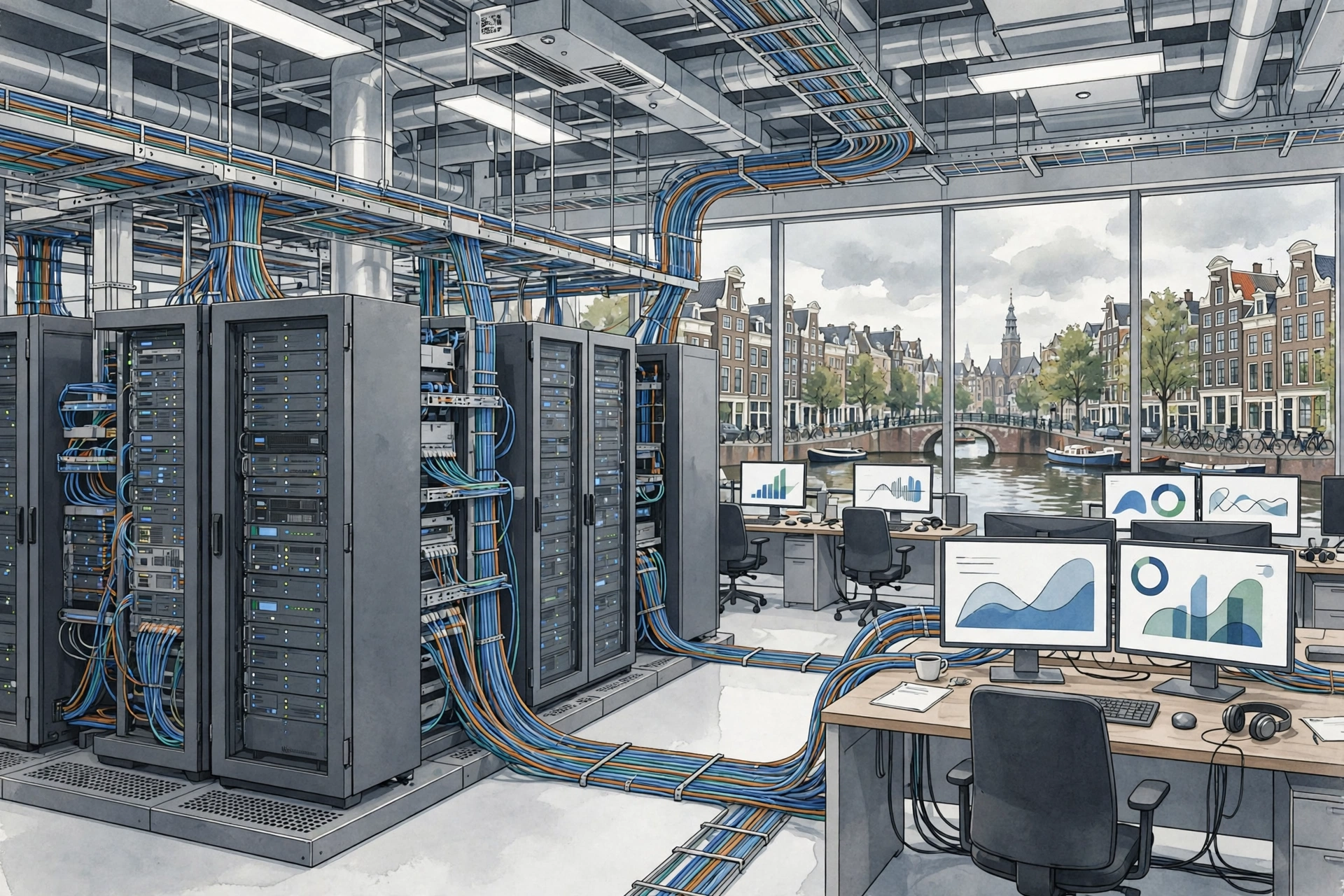
From $9.99/mo · Amsterdam · Forex Trading VPS $14.99/mo for EA traders
When Is Ping Not the Real Problem?
It is tempting to blame every bad fill on ping, but that is often the wrong diagnosis. Slippage happens for several reasons, and latency is only one of them. During major news releases, spreads widen and liquidity thins out, so even a trader with a 5 millisecond connection can get a fill far from the expected price. That is market structure, not a slow connection.
Broker execution policy matters too. Some brokers fill at the next available price when the market gaps, while others may requote. If fills are consistently poor across times of day and currency pairs, the broker’s model deserves a closer look. A faster connection will not fix a broker that fills orders badly.
Your own platform can also be the bottleneck. An overloaded terminal, a chart packed with heavy indicators, or a tired old laptop can all delay the moment your order even leaves your machine. Before spending money on a new server, try a clean terminal with fewer charts open and see whether execution feels sharper. Sometimes the cheapest fix is the right one.
Finally, strategy fit matters. A swing trader holding positions for days gains almost nothing from shaving 20 milliseconds off a connection, while a scalper taking dozens of quick trades a day gains a lot. Match your latency effort to how you trade, and do not let one number distract you from risk management and position sizing.
Frequently Asked Questions
What is a good ping for forex trading?
A good ping for forex trading is usually under 20 milliseconds, with under 10 milliseconds considered excellent. Between 20 and 50 milliseconds is workable for most manual traders. Above 100 milliseconds, delayed fills and slippage become more likely, especially for scalpers and fast day traders.
Does low ping guarantee better trade execution?
No, low ping helps but it does not guarantee better execution. Spreads, liquidity, broker fill policy, and market volatility all affect the final price you receive. Ping only controls how fast your order reaches the broker. Think of it as removing one obstacle, not as a promise of any particular outcome.
How can I check my ping to my broker’s server?
Open MetaTrader and look at the status bar at the bottom of the window, which shows ping in milliseconds next to the server name. Right-click that area to rescan and compare servers. You can also ping the broker’s server address from a command prompt, and your broker’s support team can confirm the correct address to test.
Will a forex VPS always lower my ping?
A forex VPS lowers ping when it sits closer to your broker’s servers than your home connection does. If your broker hosts in Europe and your VPS is in Amsterdam, the improvement can be large. If the VPS is further away than your own location, it may not help at all, so location choice matters more than the VPS label.
What ping do I need for scalping?
Scalpers benefit most from ping under 20 milliseconds, and ideally under 10 milliseconds, because their trades depend on fast entries and exits. Manual scalping on a connection above 80 milliseconds is still possible, but slippage eats into small profit targets quickly. For automated scalping, a VPS near the broker is usually the practical choice.
Ping is worth measuring and improving, but worth keeping in perspective. Get it under 20 milliseconds if you can, keep it stable, and put your server close to your broker. Then focus on a sound plan and careful risk control. For server options, the guide on how to choose the best forex VPS for MT4 and MT5 compares plans, locations, and specs.
For background on how latency is defined in networking generally, see the latency overview on Wikipedia and the Speedtest tool by Ookla for a quick general connection check.
Related reading: choosing a forex VPS server location.
Related reading: how to run Expert Advisors on a VPS safely.
Comments