
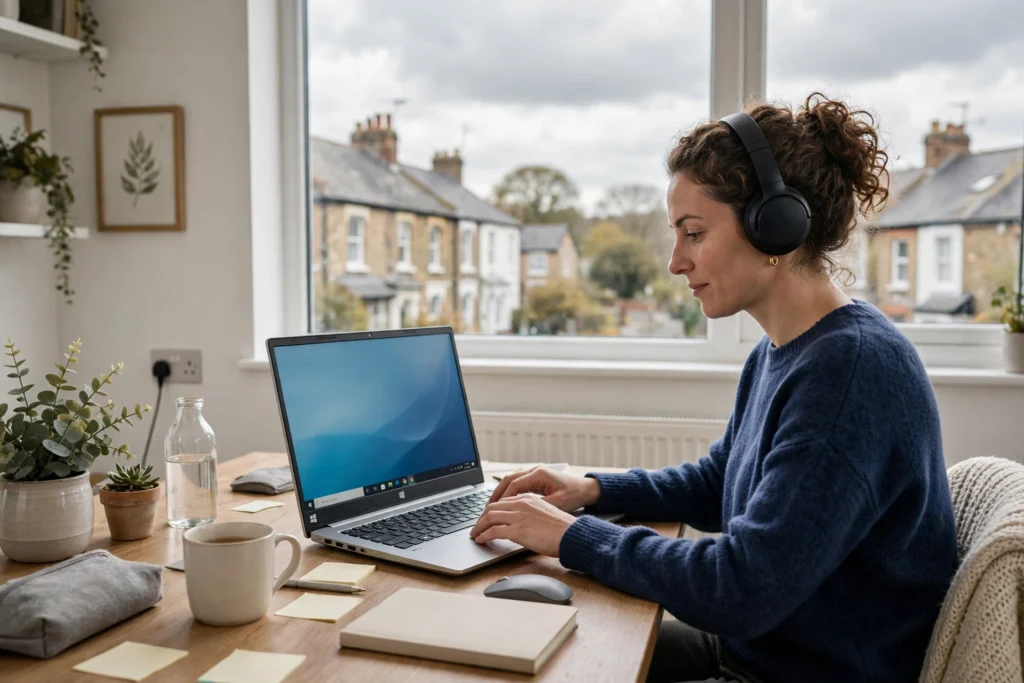
Best UK RDP for Remote Work: 2026 Buying Guide
The best UK RDP for remote work is a Windows remote desktop hosted on a UK server, with enough resources for office apps and the right level of admin access. For most UK-based office work, SadeemRDP Starter RDP from $3.99 per month is a sensible start, stepping up only when you need more control.
Remote work sounds simple until your own computer becomes the weak link. A laptop that struggles with several browser tabs, a video call, and a spreadsheet at the same time can slow a whole workday down. That is why many remote workers rent a Windows desktop in a data centre and connect to it over the internet instead.
An RDP, short for Remote Desktop Protocol, lets you open a full Windows desktop on another computer. You see that desktop on your screen, open programs on the remote machine, and your work session stays there even when you close your own laptop. For the basics, read what RDP is and how it works. This guide focuses on the UK angle: when a UK server helps, what Starter RDP covers, and when a stronger plan makes more sense.
Why Does Server Location Matter for UK-Based Remote Work?
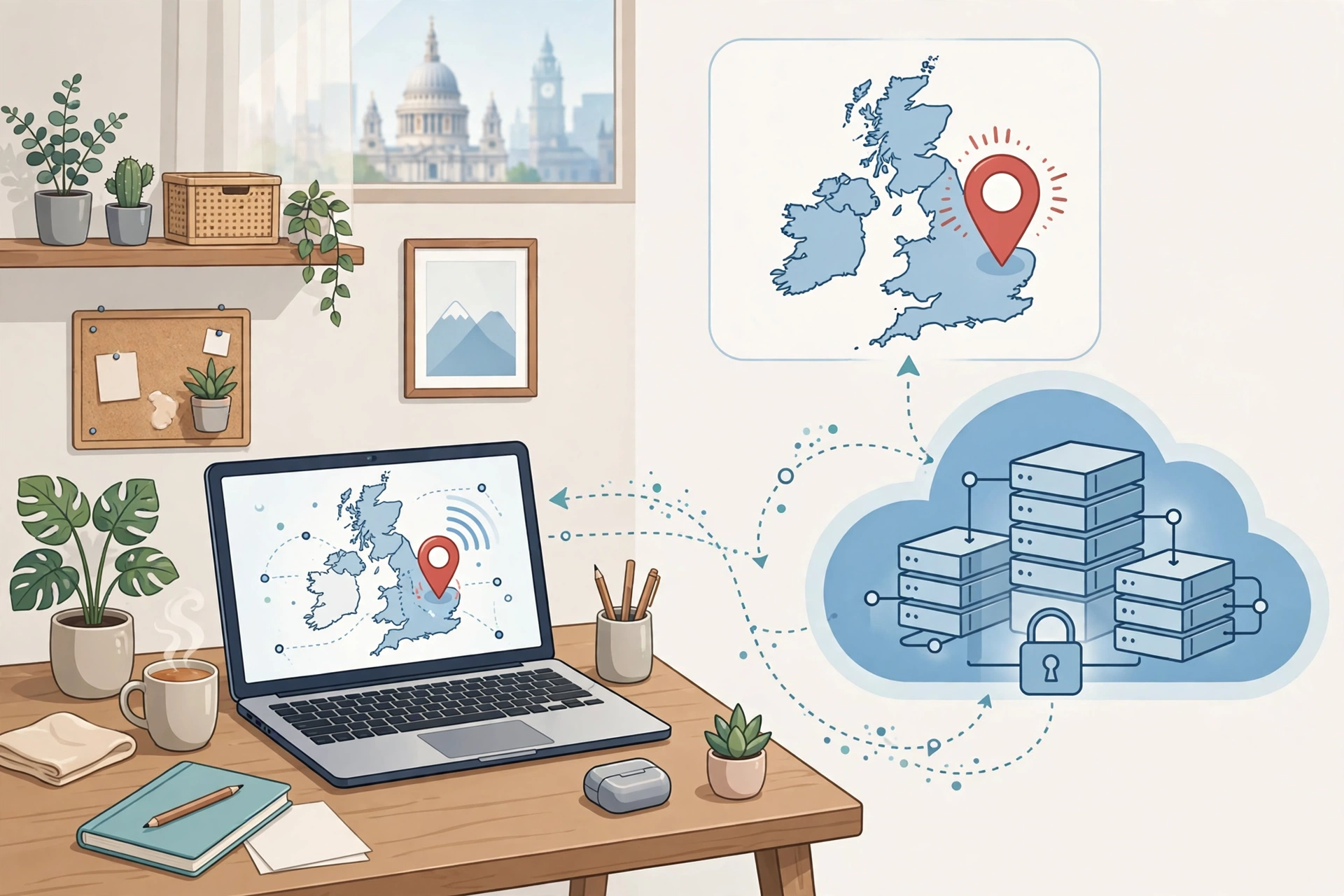
Server location matters for UK-based work because a UK server usually gives lower latency, a UK IP address, and easier time alignment for clients, tools, and support hours in the UK.
Latency is the delay between your click and the response on the remote desktop. As an approximate range only, a UK user connecting to a UK server might often see roughly 10 to 40 milliseconds, while a connection to the US East Coast might often be roughly 70 to 120 milliseconds. Those figures vary by ISP, routing, and home Wi-Fi, so treat them as a rough guide, not a promise.
A UK IP address can also reduce friction. Some work platforms and client portals check location, and a UK address can mean fewer odd login checks or region mismatches. That does not mean an IP address alone guarantees access to any platform, since each platform has its own rules. If your clients and tools are in the UK, a UK-hosted desktop removes one source of trouble.
What Does Starter RDP Cover, and When Should You Step Up?
Starter RDP covers everyday remote office work on a shared Windows environment, while Admin RDP or a Private Windows VPS is the better step up when you need to install software, change system settings, or run heavier workloads.
Starter RDP from $3.99 per month is aimed at normal office use: email, documents, spreadsheets, browser-based tools, chat apps, and light multitasking. It is a shared plan, so you do not get full admin rights. For many workers that limit is a plus. You get a ready Windows desktop without managing the server, and you are less likely to break something with a wrong system change.
Admin RDP from $9.99 per month, available for USA and UK, adds limited admin rights. It suits workers who need to install approved tools or adjust settings, but who do not need full control of a whole server. Private Windows VPS from $6.99 per month gives full admin rights on a private virtual server, with locations including the UK, USA, Netherlands, Germany, Canada, France, Australia, UAE, and Singapore. That is the right choice if you manage your own software stack or need isolated resources.
Do not buy more control than you need just because it sounds stronger. Full admin also means full responsibility for updates, settings, and mistakes. Start with the simpler plan, test your real work on it for a few days, and move up only when you hit a clear limit, such as a program that refuses to install. Readers comparing regions may also find the guide to the best USA RDP for remote work useful, since the same shared versus private versus admin decision applies there too.
What Specs Actually Matter for Everyday Office Work?
For everyday office work, the specs that matter most are enough RAM for multitasking, a responsive CPU for browser and office apps, fast storage for quick loading, and a stable internet connection on both ends.
RAM is usually the first bottleneck. A desktop with too little memory will feel slow once you open email, a browser with many tabs, a video call, and a document at the same time. You do not need a workstation for Word and a browser, but you do need enough headroom that switching windows does not cause constant reloading. CPU matters for responsiveness rather than raw power: office work benefits more from a snappy processor than from cores you will never use.
Before you buy, write down your real daily workload: the programs you open every day, the browser tabs you keep open, and whether you use video calls or large spreadsheets. Then match that list to a plan, rather than guessing from a marketing page. If your work is mainly writing, admin, customer support, or data entry, a basic remote desktop is often plenty.
From $3.99/mo · UK server option · 24/7 support
How Do You Keep a Remote Windows Desktop Secure?
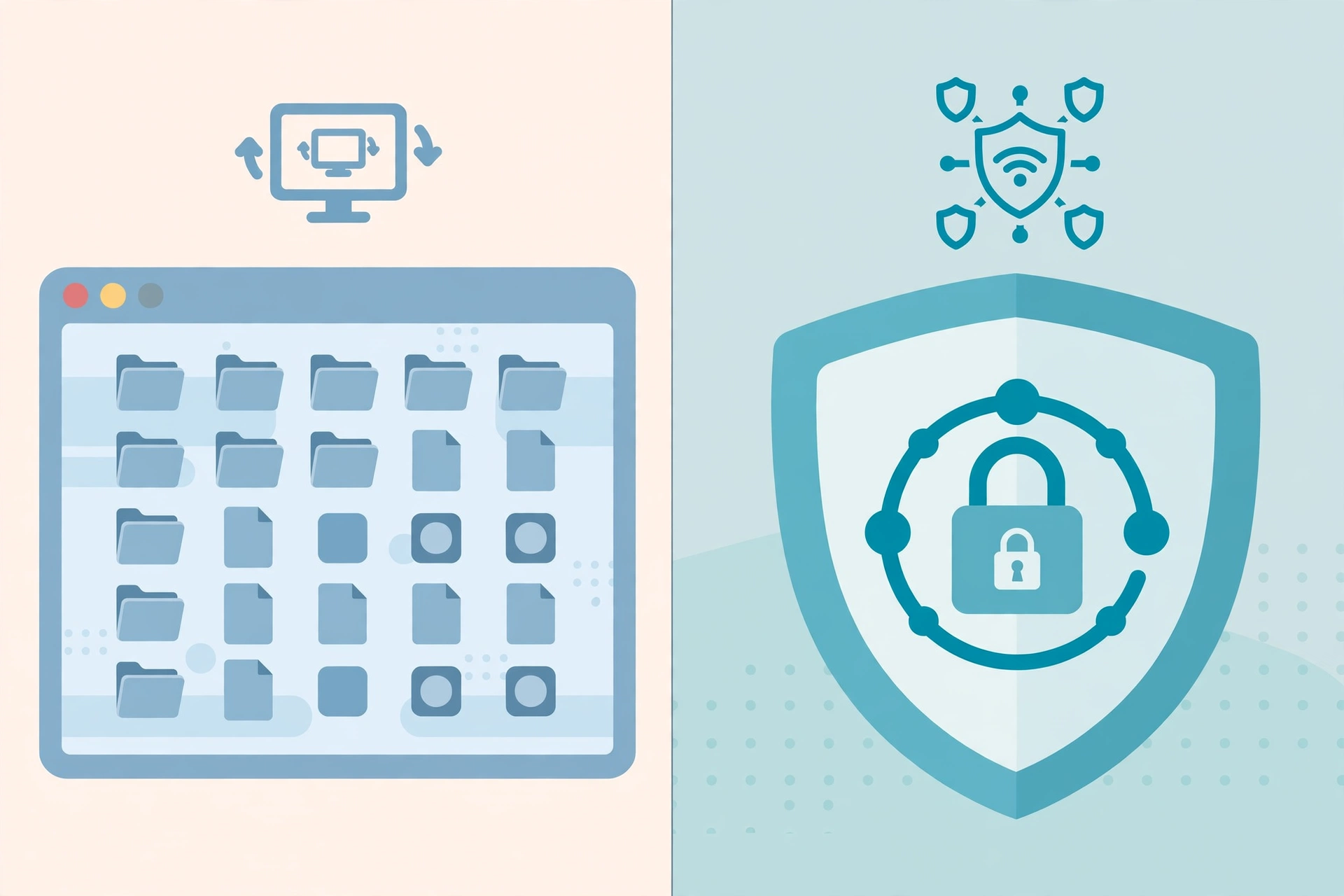
You keep a remote Windows desktop secure by using a strong unique password, limiting who can access it, keeping software updated, and treating the remote desktop like a real office computer rather than a throwaway account.
Start with the basics. Use a long password that you do not reuse on other sites, and store it in a password manager if you use one. Do not share the login unless the work genuinely requires it, and change the password promptly if you think it has been exposed. Log out or disconnect properly at the end of the day, especially on a shared or public computer.
Keep Windows and your main programs updated, and avoid installing software from unclear sources. Updates often fix security problems, and a remote desktop left unpatched for months is an easy target. Be careful with files too: download work files only from trusted sources, and do not use the remote desktop for risky browsing or pirated software.
How Do You Set Up a UK RDP for Remote Work?
You set up a UK RDP for remote work by choosing a plan, confirming the UK location at checkout, waiting for fast activation after payment, and then connecting with a Remote Desktop client using the credentials you receive.
First, pick the plan that matches your workload. At checkout, check that the UK location is selected for your plan, since the provider lists UK availability on its plan pages but you should still confirm it before paying. After payment, activation is fast, and you should receive the server address, username, and password.
Next, open a Remote Desktop client on your computer, phone, or tablet. Windows includes one, and Microsoft provides clients for other systems as well. Enter the server address and login details, and you should see the Windows desktop. Set the display size to suit your screen, test your keyboard layout, and open your main work programs to check that everything loads as expected. Microsoft Learn has official documentation on Remote Desktop Services, and the Remote Desktop Protocol entry explains the protocol itself.
Finally, do a short real-work test before you move everything over. Join a video call, open your largest spreadsheet, and try the tools you use every day. If something feels slow, check your home connection first, then reduce the display resolution or close unused programs. That quick test will tell you more than any spec sheet. For readers working from South Asia for UK clients, the guide to using RDP for online work from Pakistan covers the geography angle in more detail. If your UK work is specifically forex trading rather than general remote work, see the separate forex-specific UK guide instead of treating this remote-work guide as the trading pick.
Frequently Asked Questions
Is a UK RDP better than a US RDP for UK-based work?
For most UK-based work, a UK server is usually the better default because latency to UK services tends to be lower and the IP location matches UK clients and tools. A US server can still work well for US clients or US-based platforms, so choose the location that matches where your work actually happens.
Can I use Starter RDP for full-time remote work?
Yes, Starter RDP can suit full-time office work if your tasks are email, documents, spreadsheets, browser tools, and chat apps. It is a shared plan without full admin rights, so it fits workers who do not need system-level software. If you regularly install programs, Admin RDP or a Private Windows VPS will be a better fit.
Do I need full admin rights for office work?
No, most office workers do not need full admin rights. Standard programs and web tools run fine without them, and a managed shared desktop can be simpler to maintain. You need admin rights only when your software requires installation or system changes. Paying for full admin without a clear need adds responsibility without much benefit.
Will a UK RDP work from outside the UK?
Yes, you can connect to a UK server from another country with a stable internet connection and a Remote Desktop client. Latency will be higher than for a user inside the UK, and the feel will depend on your ISP and routing. Test video calls and your main tools, and lower the display resolution if the connection feels slow.
What should I check before I buy a UK RDP plan?
Check the server location at checkout, confirm whether the plan gives shared, limited admin, or full admin access, and match the plan to your real daily programs. Also check the support channels, activation time, and renewal price before paying. A short test with your actual workload after activation is the best final check.
A UK RDP is not about buying the most powerful server on the list. It is about matching location, access rights, and resources to the work you actually do each day. Get those three choices right, test your real tools, and the remote desktop will fade into the background, which is exactly what good remote-work setup should do.
For the South Asia angle on the same setup, see the guide to the best RDP for remote work from Bangladesh.
Comments