
Dedicated Server vs VPS vs RDP: Key Differences (2026)
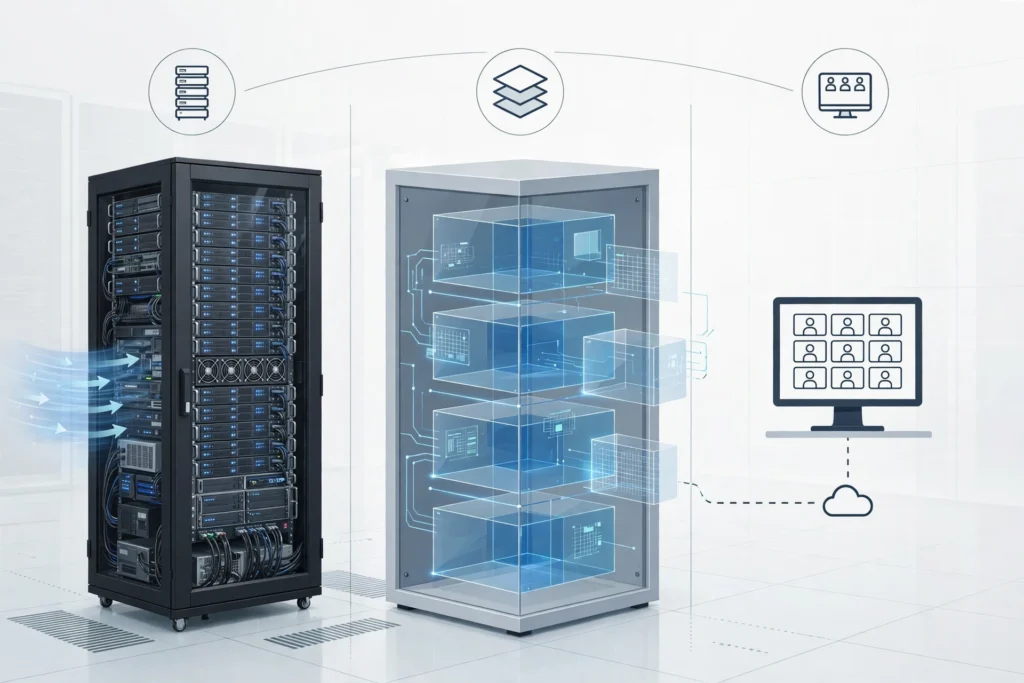
A dedicated server is one whole physical machine reserved for you, a VPS is a private slice of a larger server with full admin access, and RDP is how you log in to a remote Windows machine. Dedicated costs most, a VPS sits in the middle, and RDP is access, not a server type.
People mix these three terms up all the time, and it is easy to see why. Sellers use them in the same sentence, price pages list them side by side, and a search for one usually returns results for all three. The confusion costs real money, though. Buy too little and your work stutters at the worst moment. Buy too much and you pay every month for power you never touch.
This guide sorts it out in plain English. No jargon for its own sake, no inflated claims, just what each option actually is, where each one shines, and where each one falls short.
What is RDP, really?
RDP, short for Remote Desktop Protocol, is a way to control a Windows computer that sits somewhere else. You open a client on your laptop or phone, sign in, and you see that remote machine’s desktop as if you were sitting in front of it. Your own device just shows the screen and sends your clicks and keystrokes. The heavy work happens on the remote machine.
That distinction matters. RDP itself does not decide how powerful the machine is, how much RAM it has, or whether other people share it. Those details depend on the plan behind the login. A cheap shared RDP account and a private Windows VPS can both be reached through RDP, yet they feel very different in daily use. If you want the full background, what RDP is and how it works covers the basics in more detail. Microsoft also documents Remote Desktop Services in its own Remote Desktop Services overview, which is worth a look if you want the technical side from the source.
What is a VPS?
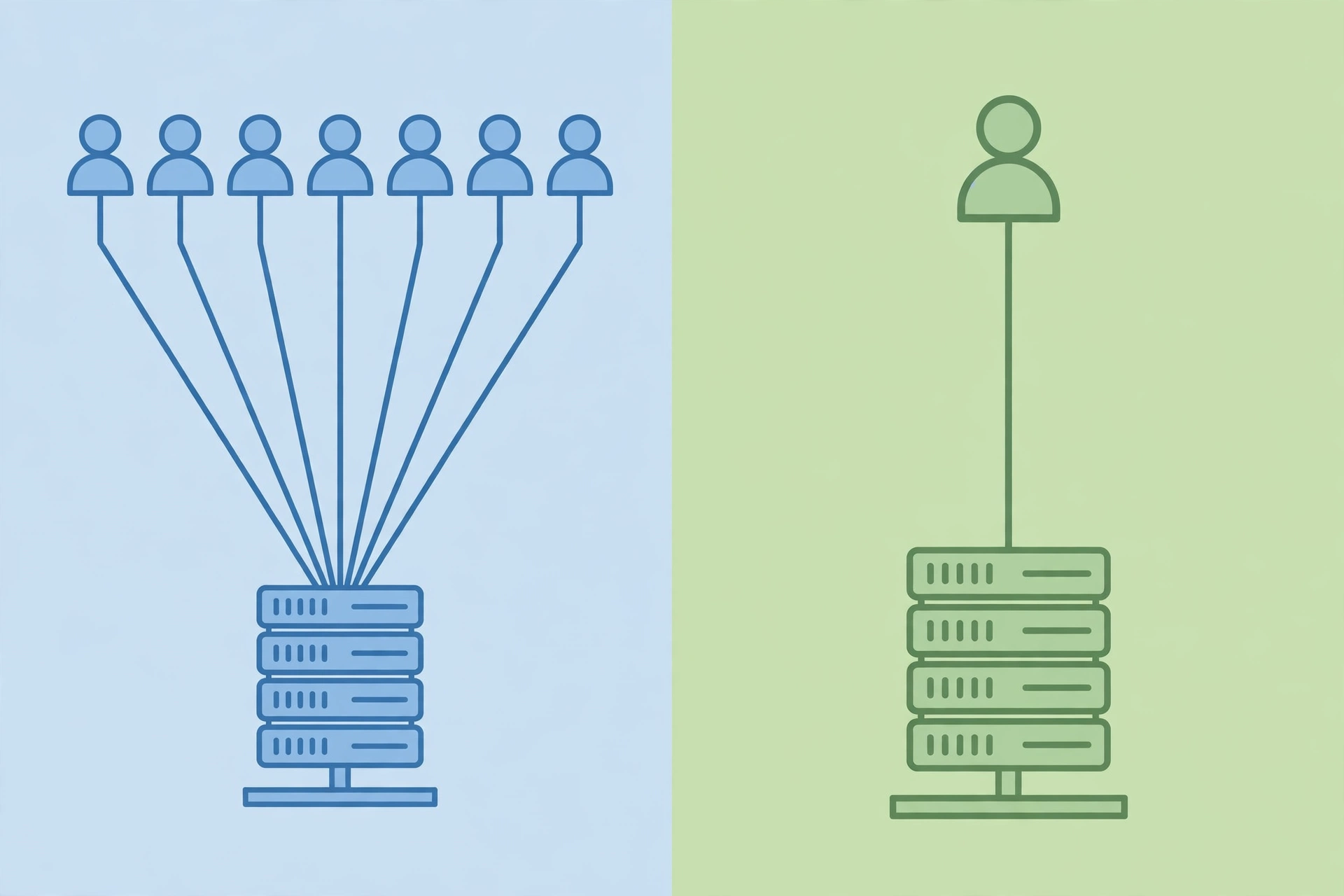
A VPS, or Virtual Private Server, is a virtual machine carved out of a physical server, with resources set aside for you alone. Your slice has its own operating system, its own storage, and its own allocation of CPU and RAM. Other customers on the same physical hardware cannot dip into your share, which is why a VPS feels far more steady than a shared account when loads spike.
With a private Windows VPS you also get full admin access. That means you install the software you need, change system settings, set up scheduled tasks, and run tools that shared plans often block.
A VPS suits people who have outgrown shared plans but do not need, or cannot justify, a whole machine. Freelancers running client software around the clock, small teams hosting an app or a database, and traders running a platform all day are typical examples. How freelancers use a Windows VPS for client work shows what that looks like in practice, from keeping tools running overnight to separating client environments.
What is a dedicated server?
A dedicated server is exactly what the name says: one entire physical machine, reserved for one customer. Nobody else runs workloads on it. You get the whole CPU, the whole memory pool, and the whole storage system, and you decide how all of it is used.
That brings the highest level of control and the highest ceiling on performance. There is no neighbour to compete with, no virtualisation layer taking a cut, and no shared resource pool to worry about. If your workload is heavy, constant, and sensitive to even small slowdowns, that isolation is hard to beat.
It also brings the highest cost, and usually the most responsibility. A dedicated machine is a bigger monthly commitment than a VPS, and it often expects more hands-on management: updates, security hardening, monitoring, and backup planning all sit with you or your team. For light or occasional use, it is simply more machine than the job needs.
How do cost, control, and performance compare?
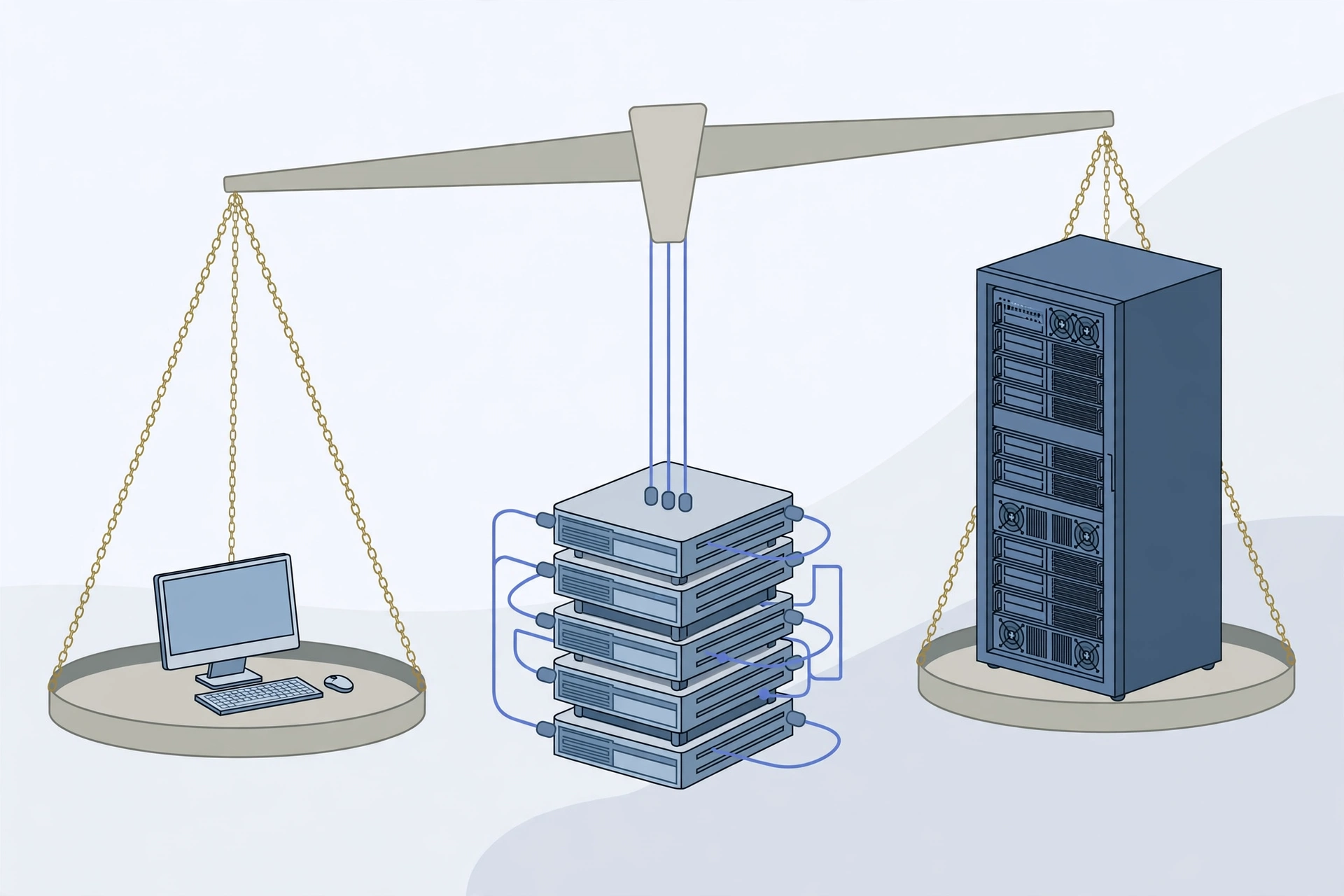
Cost, control, and performance move together here, and the trade is fairly clean. Shared RDP plans are the cheapest way in, because resources are pooled across users. A VPS costs more than a shared plan but far less than a dedicated machine, while giving you a private slice and full admin rights. A dedicated server costs the most, and in return you get the whole machine and total control over it.
Performance follows a similar pattern. On a shared plan, your experience can vary with what others are doing, because the underlying resources are finite and shared. A VPS removes most of that variance: your allocation is yours, so a neighbour’s busy afternoon does not slow your work in the same way. A dedicated server removes the question entirely, since there is no neighbour at all.
Which one fits your workload?
The honest answer depends on what you actually run, for how long, and how much downtime would cost you. A few common cases make the choice clearer.
If you mainly need a remote Windows desktop for browsing, light office work, or a single app that does not demand much, a shared RDP plan is usually enough. You keep costs low and you do not manage a server. The trade is limited admin rights and shared resources, so it is a poor fit for heavy or always-on workloads.
If you need your own environment, admin access, and steady performance for work that runs for hours or around the clock, a VPS is the sweet spot for most people. It is also the natural next step when a shared plan starts feeling cramped. Shared vs private RDP: which one do you need walks through that upgrade decision in detail, including the signs that shared resources are holding you back.
If you run a busy application, a large database, or several heavy services at once, and you need every drop of performance with zero sharing, a dedicated server starts to make sense. The same applies when compliance or security policy demands physical isolation rather than virtual separation. For everyone else, it is worth pausing and asking whether a VPS would already cover the load, because the price jump is real.
Can you switch from one to another later?
Yes, in most cases, and that should take pressure off the decision. Moving from a shared plan to a VPS usually means setting up your software in the new environment and copying your files across. Moving from a VPS to a dedicated server is a bigger job, since you are shifting to different hardware, but it is a normal migration, not a rebuild from zero.
From $6.99/mo · Full admin · USA, UK, NL, Germany, Canada, France, Australia, UAE, Singapore
SadeemRDP has sold cheap Windows RDP and private Windows VPS plans since March 2017, from Lahore, Pakistan, with 24/7 support. The private Windows VPS plans start from $6.99 per month with full admin access, across the locations listed above. That combination, private resources plus full control at a VPS price, is exactly why so many buyers land in the middle tier rather than jumping straight to a dedicated machine.
What mistakes do buyers make most often?
The most common mistake is buying on specs alone, without matching them to the workload. A long list of big numbers looks impressive, but if your work is light, those numbers sit idle. The second mistake is the opposite: picking the cheapest plan and then wondering why a heavy app crawls. Cheap is only a bargain when it actually runs what you need.
Finally, buyers often ignore the management side. A VPS and a dedicated server give you freedom, but freedom includes updates, backups, and basic security. If nobody on your side will handle those, factor in managed help or choose a setup with a lighter burden. For a direct side-by-side, RDP vs VPS: what is the difference and which should you buy clears up the access-versus-power confusion from the other angle.
Frequently asked questions
Is RDP the same thing as a VPS?
No. RDP is the protocol you use to log in to a remote Windows machine, while a VPS is a type of machine you can log in to. You can reach a shared RDP plan, a private VPS, or even a dedicated server through RDP. The plan behind the login decides the power and admin access you get.
Do I need a dedicated server for a small business website?
Usually not. A small business website, a booking page, or a modest app typically runs fine on a VPS, which gives private resources and full admin control at a much lower cost. A dedicated server earns its place when traffic is very high, when several heavy services run together, or when policy demands a whole physical machine.
Is a VPS safe for client work?
A VPS is a solid choice for client work because your resources are private and separated from other customers. Keep the basics in place: strong passwords, regular updates, and backups of client data. Full admin access is a strength, but it also means security settings are your responsibility, so do not leave default credentials in place.
Can I run trading platforms on a VPS instead of a dedicated server?
Yes, many traders run platforms on a VPS because it stays online around the clock and keeps a steady connection. A dedicated server is only needed when the workload is unusually heavy or when many platforms run at once. Never expect any hosting plan to guarantee trading profits, since market results depend on strategy and conditions, not on the server.
What should I check before upgrading to a dedicated server?
Check sustained CPU and memory use at peak times, not one busy minute. If both stay near their limits for weeks and tuning does not help, an upgrade is justified. Also check your budget and who will manage the machine. If usage is moderate and a VPS still has headroom, staying put saves money without hurting performance.
Conclusion
Pick the smallest option that honestly covers your workload, with a little room to grow. Shared RDP keeps costs down for light use. A VPS gives most people the right mix of private resources, full admin access, and fair pricing. A dedicated server is for heavy, constant, or strictly isolated workloads where nothing can be shared. Start where the evidence points, monitor real usage, and upgrade only when the numbers ask you to. That habit saves more money over a year than any single discount ever will.
Related reading: Windows VPS vs Linux VPS: which one do you need.
Comments