

How to Get a US IP Address for Online Work (2026)
The most reliable way to get a US IP address for online work is to use a US-based remote desktop, such as a Starter RDP from $3.99 per month, because your traffic then comes from a real Windows computer in a US data centre instead of just a masked connection from your home PC.
Many remote workers run into the same wall. A work platform, a US-only tool, or a client system expects a US connection, and your home IP sits in another country. The usual first idea is a VPN, and for casual browsing it often works. For daily work, though, the difference between a masked connection and a real US machine matters, and picking the wrong option can cost you an account warning or a wasted week.
This guide explains the three common routes in plain terms: VPNs, proxies, and a US remote desktop. It also states plainly what a US IP does not do, so you do not buy the wrong tool for the wrong reason. If you are new to remote desktops in general, start with what RDP is and how it works first.
What does a US IP address actually change?
A US IP address changes where websites and platforms think your traffic comes from. When you browse from a US server, your requests carry that server’s US address, so location checks see a US visitor. That can open US-only sign-up pages, US pricing pages, and tools that refuse connections from other countries.
What it does not change is who you are. Platforms also look at account history, payment details, device fingerprints, and behaviour patterns. A US IP alone does not create a US identity, and it does not fix an account that was already flagged for another reason. Anyone who promises that a US IP guarantees platform approval is selling you something untrue.
It also does not change your local internet speed. Your connection still travels from your home to the US server and back. If your home connection is unstable, a US IP will not steady it. What a remote desktop adds is a stable machine on the US side, so once you connect, your work runs on that machine’s connection, not yours.
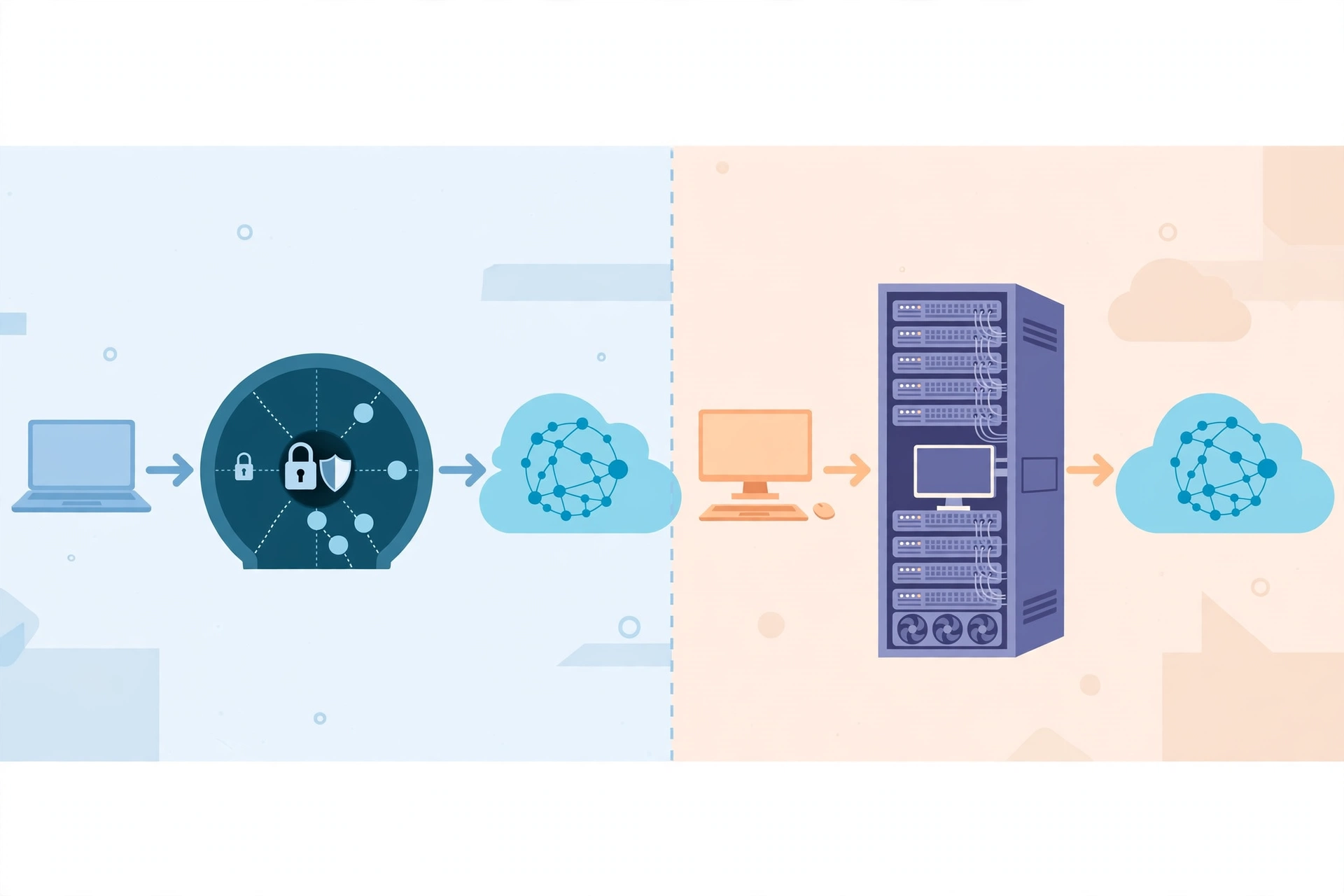
VPN vs proxy vs RDP: what is the real difference?
A VPN routes your whole device’s traffic through a server in another country, so sites see the server’s IP. It is cheap, quick to set up, and fine for reading region-locked pages or protecting traffic on public Wi-Fi. The catch for work is that many platforms recognise commercial VPN IP ranges and flag them, because thousands of users share the same addresses. Shared VPN addresses also get blocked in bulk when one user abuses them.
A proxy works in a narrower way. It routes only one app or browser’s traffic through a server, while the rest of your device stays on your real connection. That split is useful for testing, but it is easy to leak your real IP through another app, a DNS request, or a browser setting you forgot. For daily client work, that leak risk is a real problem.
An RDP is different from both. You are not masking your own PC. You are using a separate Windows computer that physically sits in a US data centre, with its own US IP address, its own browser, and its own files. When you work inside that desktop, everything you do comes from that machine. Platforms see a normal desktop user on a data centre connection, not a shared VPN exit node. Microsoft Learn has official Remote Desktop Services documentation if you want the underlying technology, and Remote Desktop Protocol on Wikipedia explains the protocol in plain terms.
When is an RDP the better choice than a VPN?
An RDP is the better choice when the work itself must happen from the US side. That includes managing US-based accounts all day, using US-only business tools, running tasks that must stay online while your home PC is off, and keeping work files on a machine that does not depend on your local power. In those cases you are not just hiding an IP, you are working from a second computer, and that is exactly what an RDP gives you.
A VPN stays the better choice for light, occasional use: reading a page, checking a price, or protecting a coffee-shop connection for an hour. It costs less and needs no second desktop to manage. If your only need is to view a US page once in a while, do not pay for a server you will barely use.
There is also a middle case worth naming. Some workers use both: a VPN for casual browsing on their own PC, and an RDP for client work that must stay on a US machine. That split keeps work data off the personal machine and keeps casual browsing cheap. Just do not mix the two inside the same work session without thinking, because a VPN drop mid-session can expose your real IP to the platform you were trying to reach from the US.
From $3.99/mo · US-based Windows desktop · 24/7 support
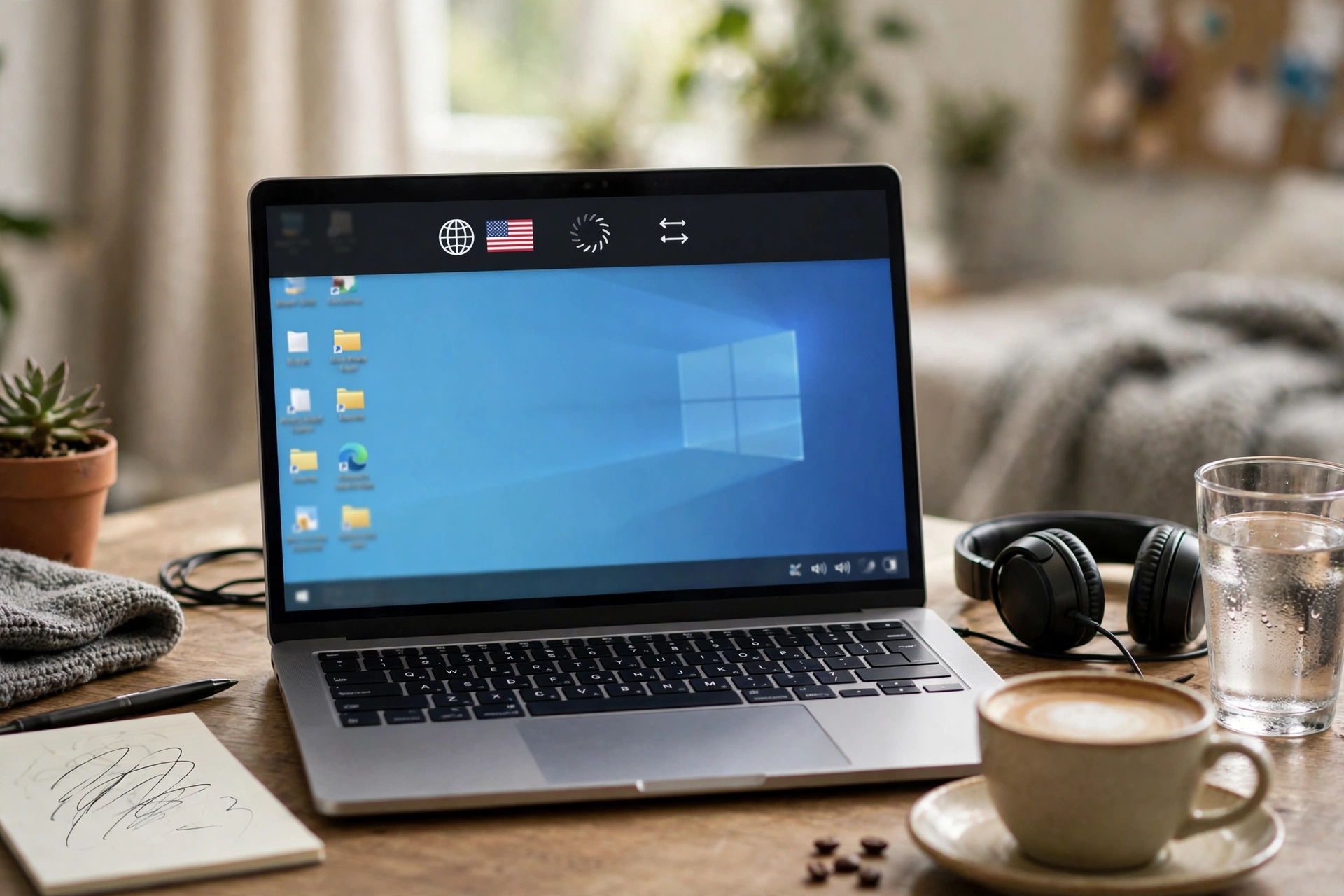
How do you set up a US RDP for daily work?
Setting up a US RDP for daily work takes a few straightforward steps. First, pick a plan with a US location and confirm that location at checkout, since some plans offer several countries. Starter RDP from $3.99 per month is the entry point, but confirm the US option is selected before you pay, because a European server will not give you a US IP.
Second, save your connection details in a safe place and do not share them. Connect with the Remote Desktop app on Windows, Mac, or your phone, or with the connection method your provider gives you. Third, set up the work side of the desktop: your browser bookmarks, your work folders, and the tools your clients need, just as you would on a home PC.
Fourth, test before a live work session. Open the platform you need, check that it loads as a US visitor, and confirm your audio and screen sharing work for calls. A five minute test can prevent an awkward start to a paid session. If something loads slowly, check your local connection first, then check whether too many apps are open on the remote machine.
Workers in India, Pakistan, and Bangladesh often share the same need for a stable US or EU work machine. For the India angle, see best RDP for online work from India, and for a general US option, compare USA RDP options for remote work before you settle on a plan.
What should you NOT expect from a US IP?
Do not expect a US IP to bypass every restriction. Streaming services, banks, and payment platforms use far more than IP checks, and some will still ask for local verification, a US payment method, or a phone number. A US desktop helps with the connection side, but it cannot supply documents or payment details you do not have.
Do not expect it to hide rule-breaking either. If a platform bans multiple accounts, automation, or misleading location claims, a US IP does not make that activity safe. It only changes the network address. Use the US desktop for honest work: real client tasks, real accounts in your own name, and tools you are allowed to use.
Finally, do not expect shared plans to do everything. Starter RDP is a shared plan without full admin access, so you cannot install every tool or change every setting. If your work needs full control, a Private Windows VPS from $6.99 per month gives you full admin access instead. SadeemRDP has sold cheap Windows RDP and private Windows VPS since March 2017, from Lahore, Pakistan, with 24/7 support through WhatsApp, Telegram, live chat, and tickets, and fast activation after payment. Ask support before you buy if a specific tool matters to your work.
Frequently Asked Questions
Is a VPN or an RDP better for a US IP?
For occasional browsing, a VPN is cheaper and simpler. For daily online work, an RDP is usually better, because you work from a real US Windows computer instead of a shared VPN address that platforms often recognise and flag. Choose based on how much of your day actually runs through the US connection.
Will a US RDP make every US site work?
No. A US IP opens location checks, but banks, payment platforms, and streaming services may still ask for local verification or a US payment method. A US desktop helps with the connection side, but it cannot supply documents or payment details you do not have.
Can I use a US RDP from my phone?
Yes, you can connect to a remote desktop from a phone with the official Remote Desktop app, though a laptop or desktop gives you a far better working experience. Phones work well for quick checks, while longer work sessions belong on a bigger screen.
Does a US IP speed up my internet?
No, it does not speed up your home connection. Your traffic still travels to the US server and back. What a remote desktop adds is a stable machine on the US side, so your work keeps running there even if your local connection drops briefly.
Is a Starter RDP enough for US-based work?
For general office work, yes, a Starter RDP from $3.99 per month is enough for browsing, documents, email, and most freelance tools. If you need to install specific software or change system settings, you need a plan with admin access, such as a Private Windows VPS from $6.99 per month.
Comments